
Web Insights by Codengine
| 开发者 | |
|---|---|
| 更新时间 | 2026年10月29日 20:10 |
| PHP版本: | 7.4 及以上 |
| WordPress版本: | 7.1 |
| 版权: | GPLv2 or later |
| 版权网址: | 版权信息 |
详情介绍:
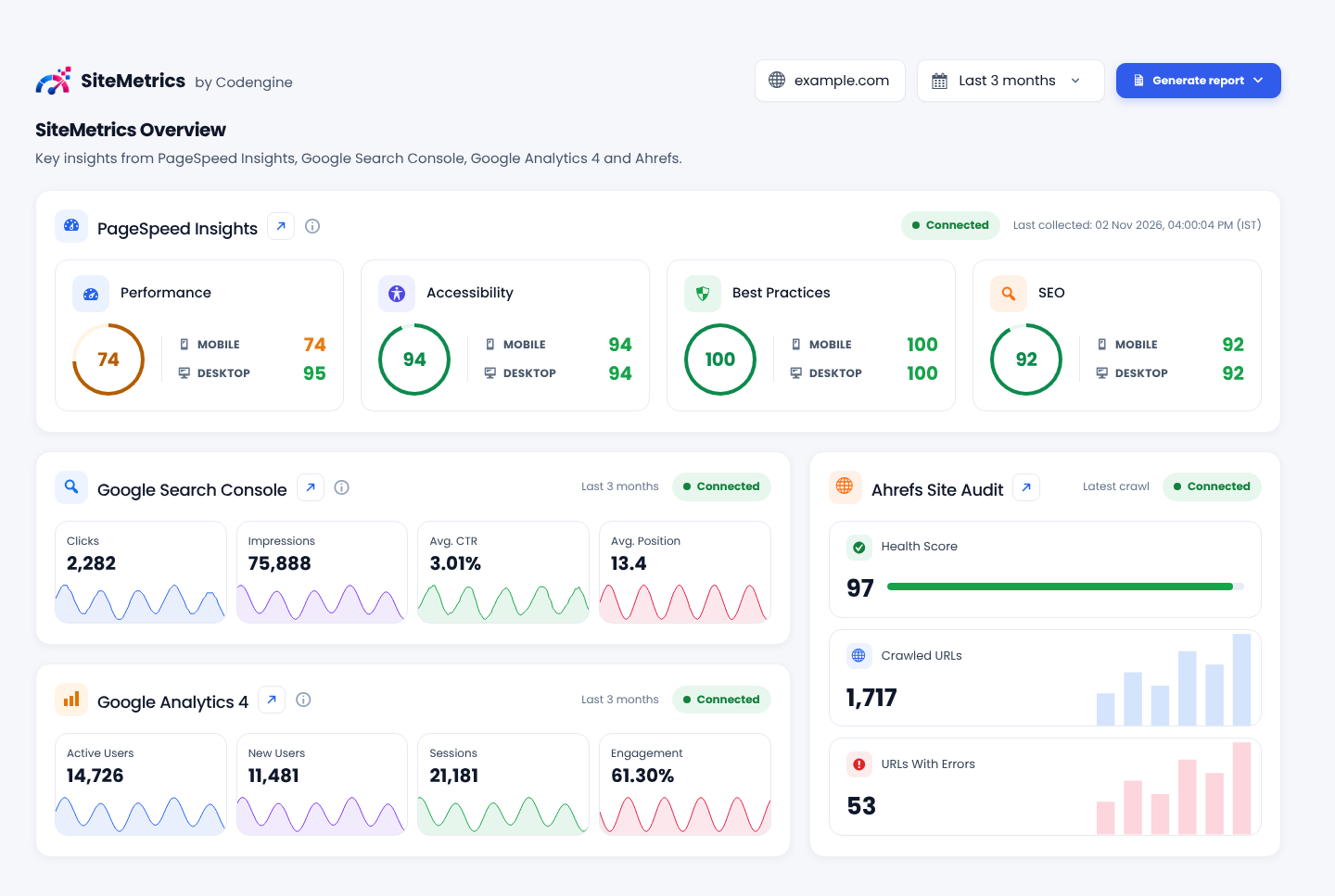
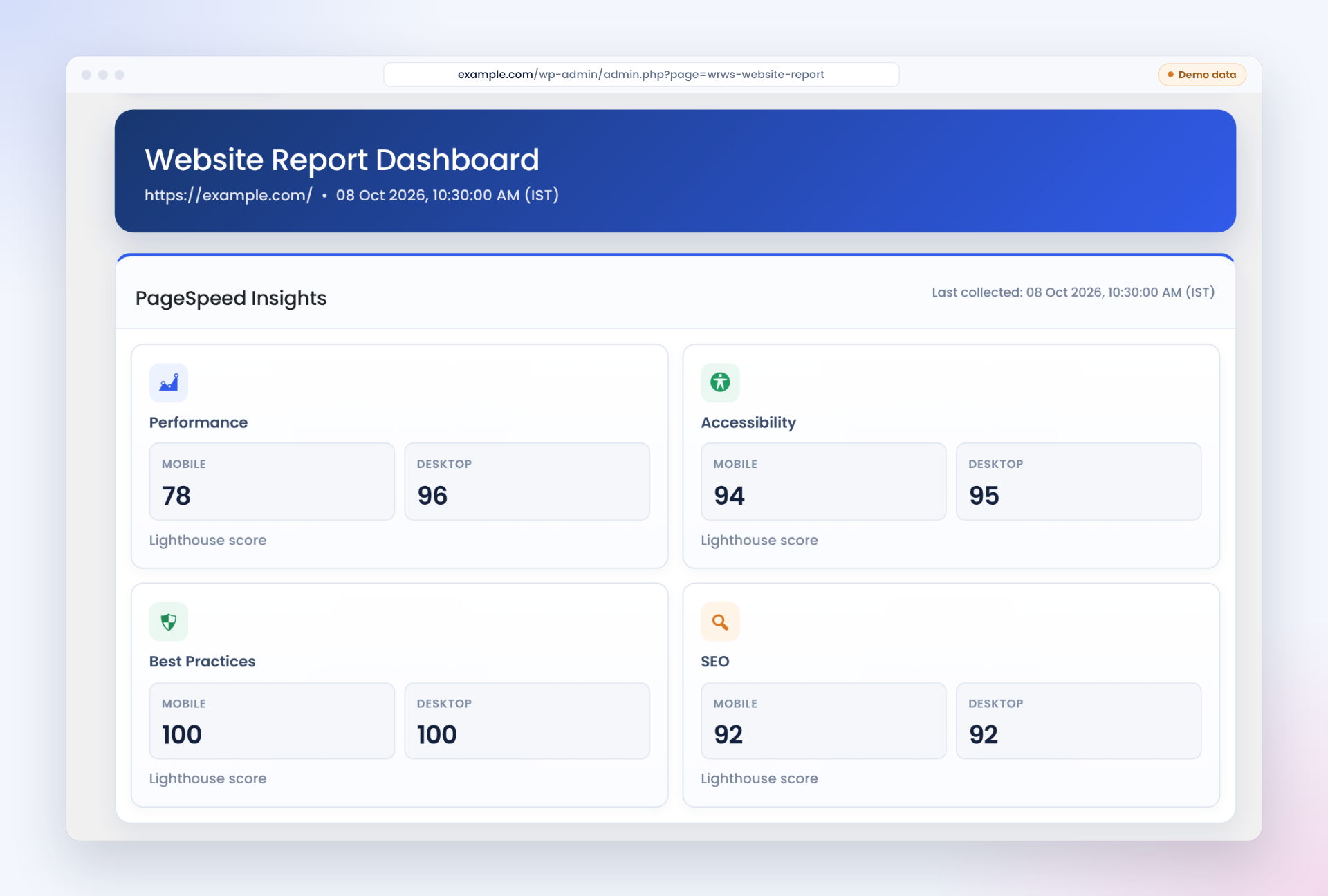
Web Insights by Codengine provides a clean WordPress admin dashboard for generating and reviewing website performance reports powered by Google PageSpeed Insights.
Key features include:
- PageSpeed Insights reporting for mobile and desktop.
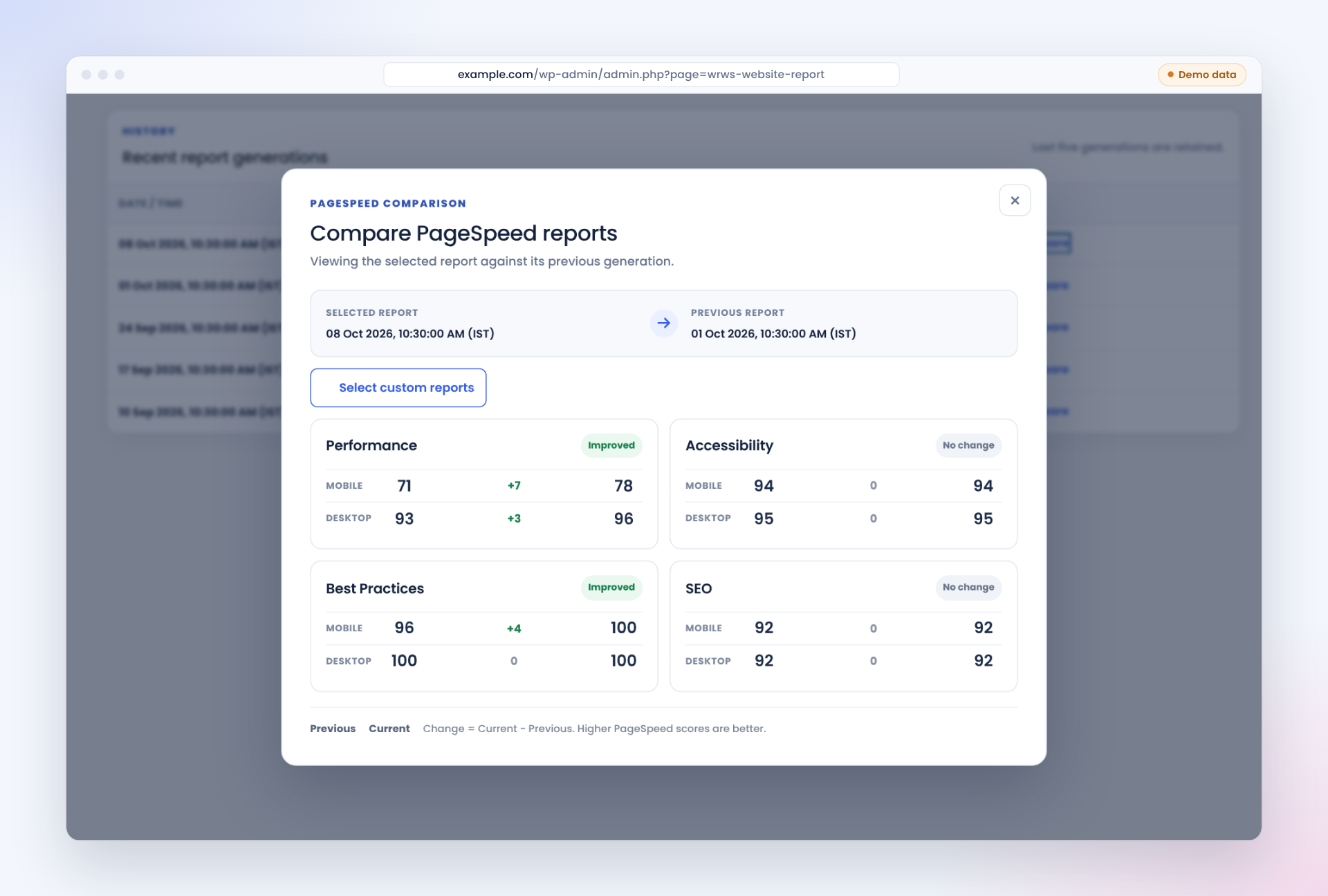
- Performance, Accessibility, Best Practices, and SEO scores.
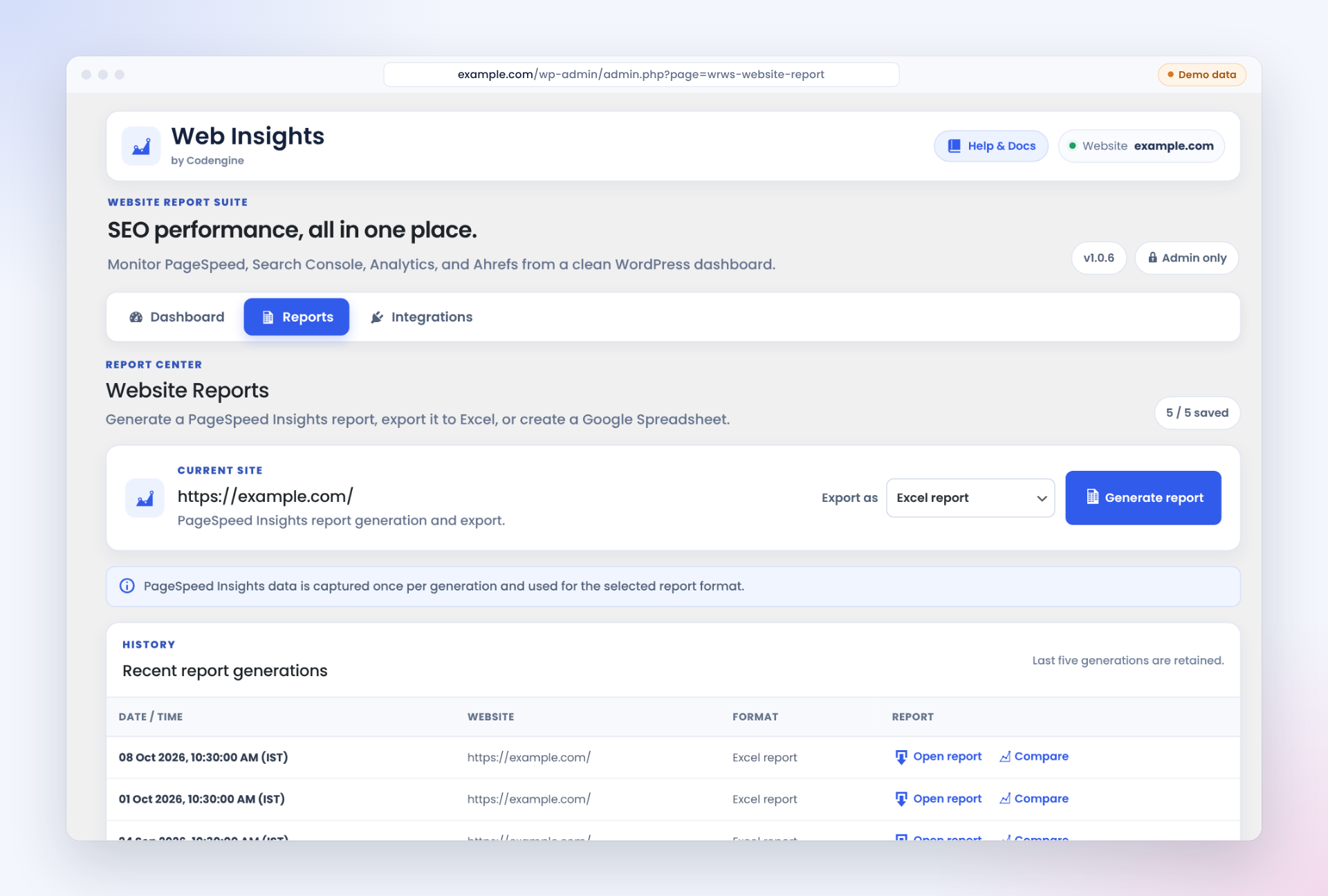
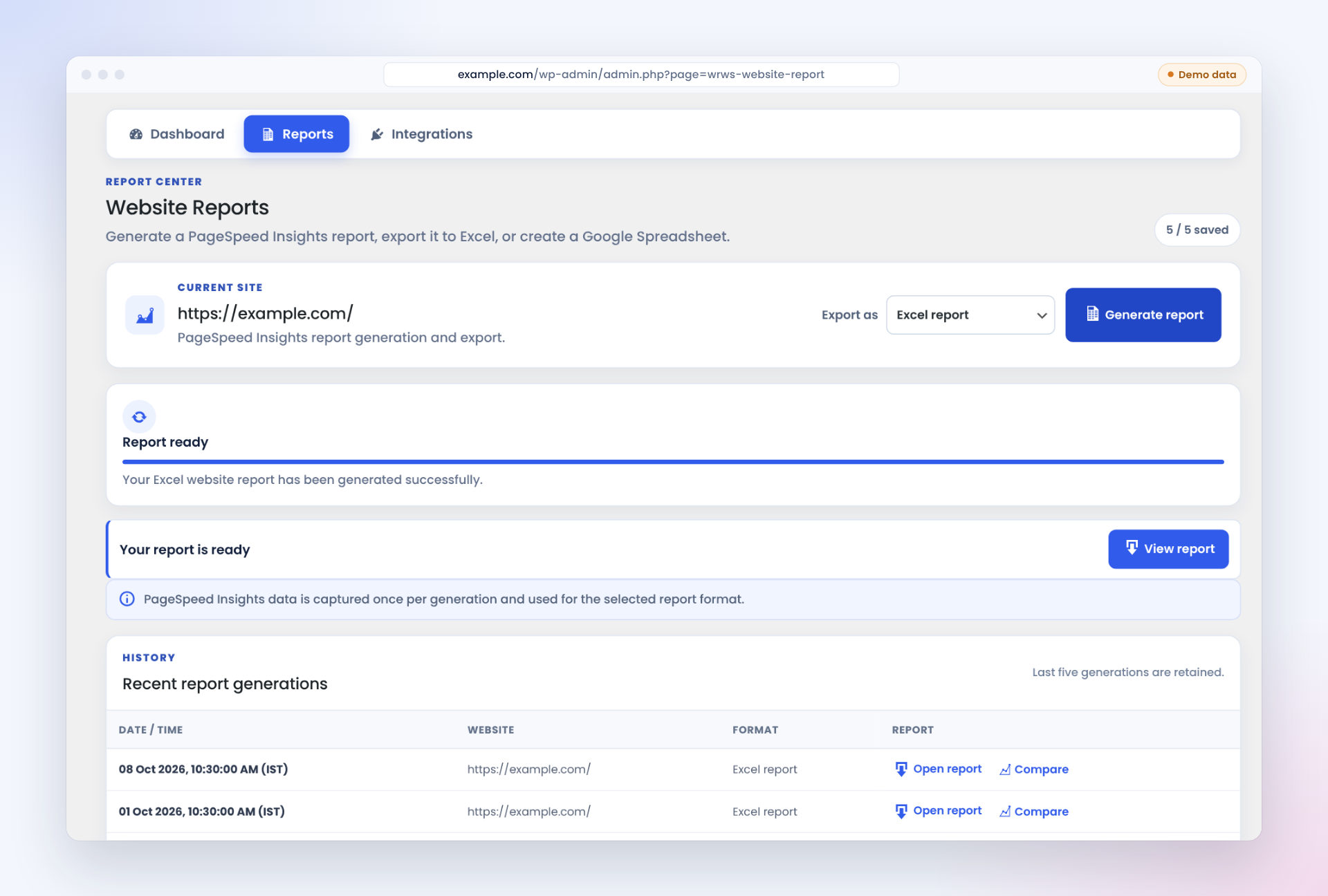
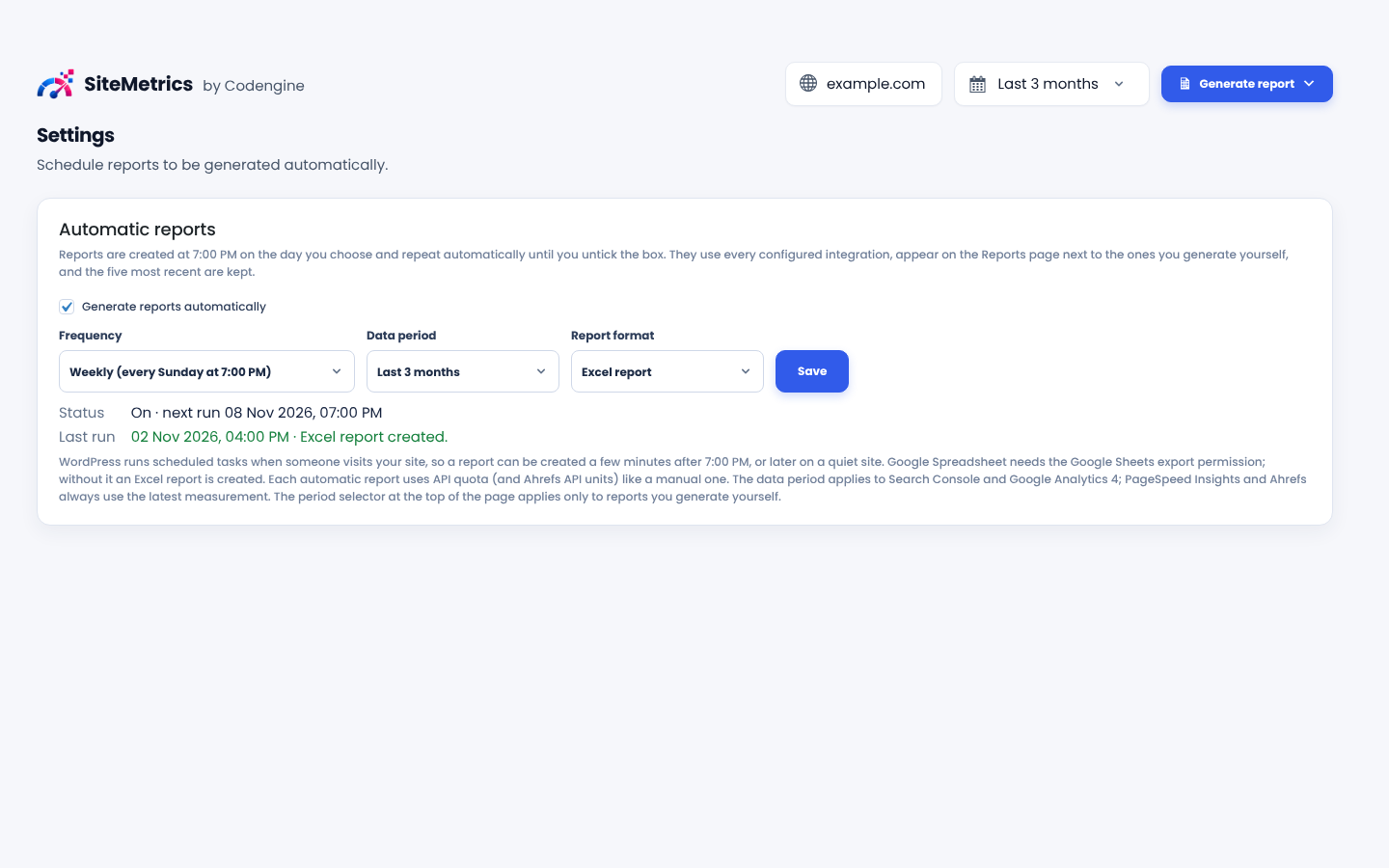
- Report generation in Excel and Google Spreadsheet formats.
- Report history and report comparison tools.
- Responsive WordPress admin interface.
安装:
- Upload the
web-insights-by-codenginefolder to the/wp-content/plugins/directory, or install the plugin ZIP from Plugins > Add New > Upload Plugin. - Activate the plugin through the Plugins screen in WordPress.
- Open Web Insights in the WordPress admin menu.
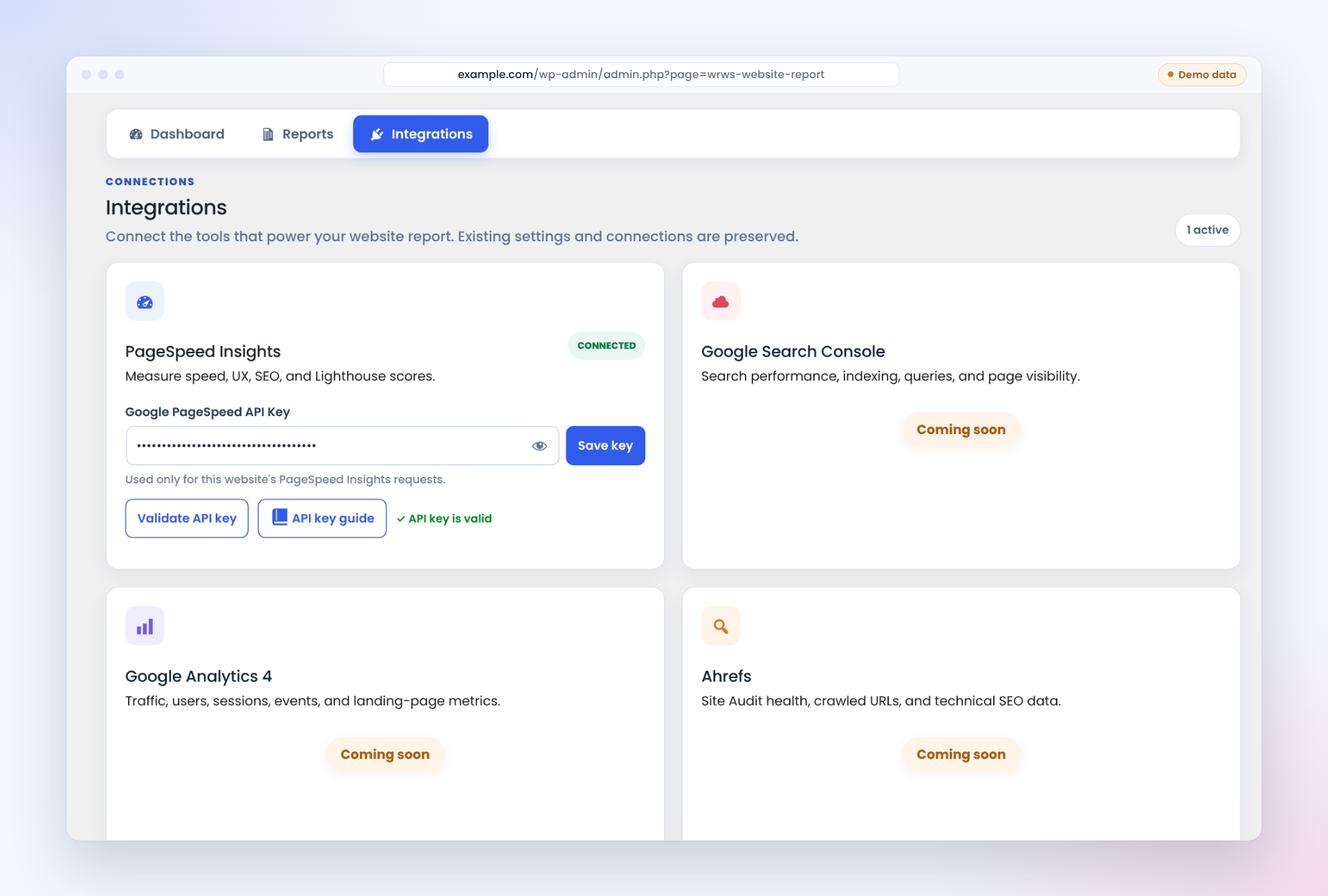
- Configure your PageSpeed Insights API key in Integrations.
- Generate a report from the Reports tab.
屏幕截图:
常见问题:
Does Web Insights require a PageSpeed Insights API key?
Yes. Configure a valid Google PageSpeed Insights API key in the Web Insights Integrations tab before generating reports.
Which report sources are available in version 1.0.5?
PageSpeed Insights is the only report source in this version, and reports can be exported to Excel or a Google Spreadsheet. Google Search Console, Google Analytics 4, and Ahrefs can be connected in the Integrations tab, but their reporting screens are marked "Coming soon" and are not yet available for report generation.
Can I compare reports?
Yes. Once multiple PageSpeed reports have been generated, saved reports can be compared using the built-in comparison view.
更新日志:
1.0.5
- Updated plugin identity to Web Insights by Codengine.
- Improved WordPress-compatible script loading.
- Documented third-party services and data usage.
- Updated external service and privacy documentation.
- Previous release.