
StaticPush by Quintaphon
| 开发者 | quintaphon |
|---|---|
| 更新时间 | 2026年11月15日 03:00 |
| 捐献地址: | 去捐款 |
| PHP版本: | 7.4 及以上 |
| WordPress版本: | 7.1 |
| 版权: | GPLv2 or later |
| 版权网址: | 版权信息 |
详情介绍:
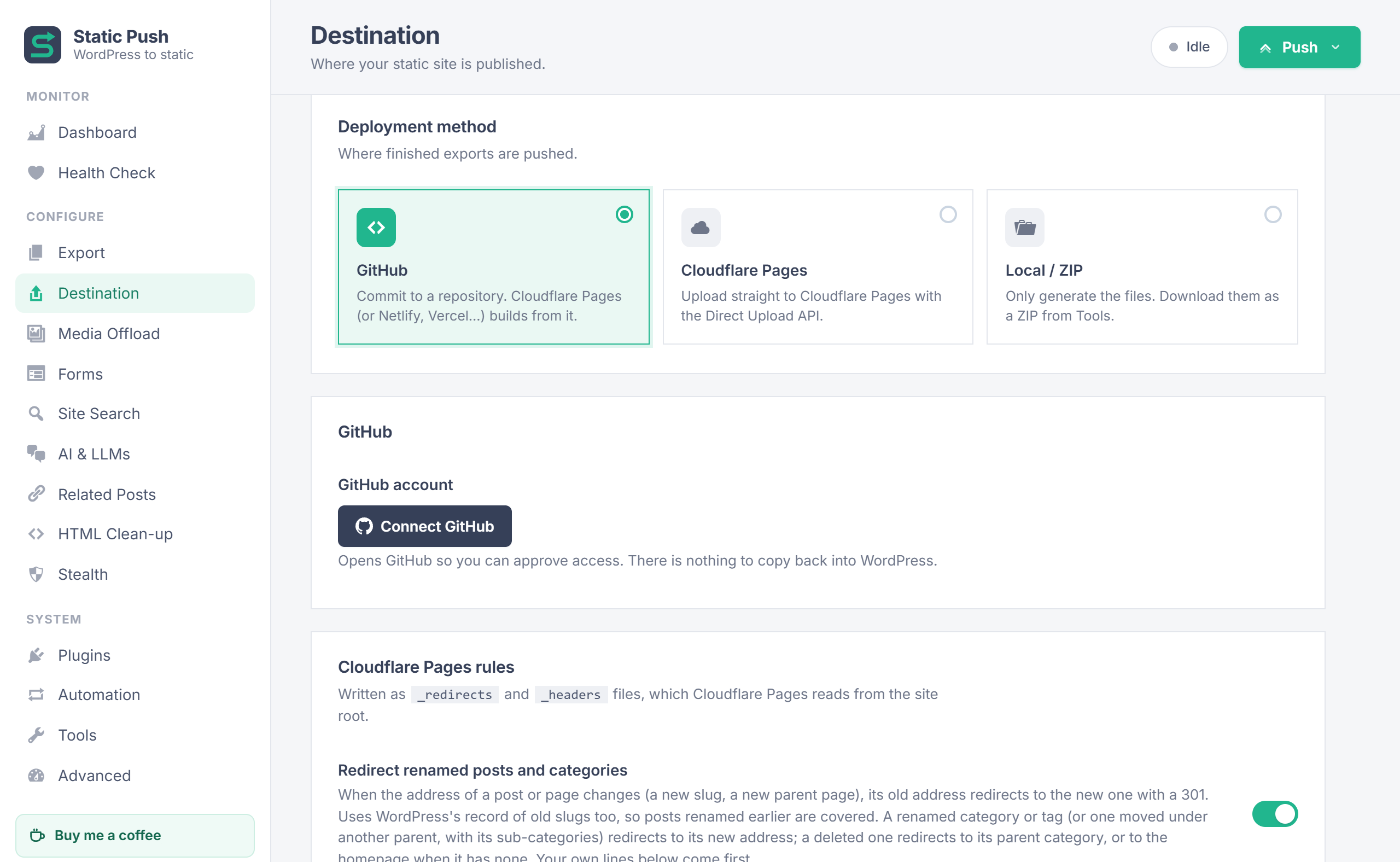
- Destinations: GitHub (one-click "Connect GitHub", repository picker, create a repository), Cloudflare Pages Direct Upload, or a local folder and ZIP download.
- Automatic pushes: on publish, update, unpublish, delete, comments, terms and site-wide changes (menus, widgets, Customizer, theme). Edits made close together become one push.
- Push only what you need: pending changes, the full site, the current files, or specific pages (including the 404 page).
- Fast exports: several pages are fetched at once, directly from your own server.
- Safe by design: a push that would delete most of the static site is refused, and a login wall in front of WordPress stops the push instead of emptying the site.
- Scheduled posts: overdue scheduled posts are published and pushed, even though the WordPress install gets almost no visitors.
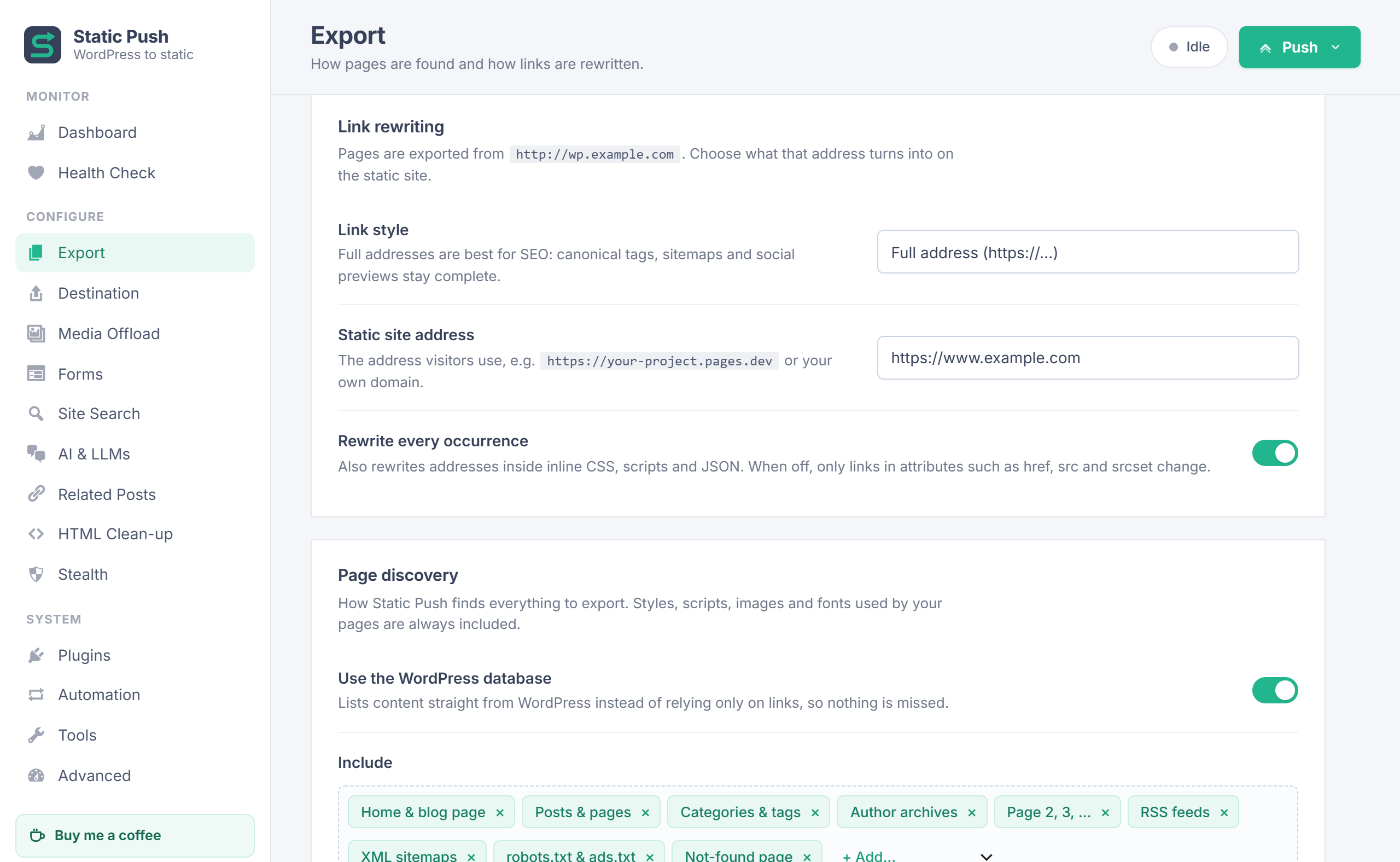
- Full address or root-relative links, with every occurrence rewritten (including inline CSS, scripts and JSON).
- Finds everything through the WordPress database and by following links: posts, pages, custom post types, categories, tags, authors, pagination, feeds, sitemaps, robots.txt and ads.txt, and the 404 page.
- The theme's real 404 page, marked noindex.
- Feeds saved as feed.xml with a readable browser view, and old feed addresses redirected.
- Sitemaps with a readable browser view, and /sitemap.xml redirected to the sitemap index.
- Additional pages, files and folders; excluded addresses.
- Renamed posts and pages: the old address 301-redirects to the new one automatically (also for posts renamed earlier). Renamed categories and tags redirect to their new address; deleted ones to their parent category or the homepage.
- Cloudflare Pages
_redirectsand_headers(including rules from the Redirection plugin and Yoast, Rank Math, AIOSEO and SEOPress sitemaps).
- Site Search: a search index and an instant search overlay that takes over your theme's search forms. Fuzzy, typo-tolerant matching with Fuse.js, bundled and self-hosted.
- llms.txt for AI tools: a Markdown summary of the site at /llms.txt (llmstxt.org format) with your categories, pages and latest posts, rebuilt on every push.
- Related Posts: built into every post at export time, matched by shared tags or categories (topped up with the latest posts when few match), in the Jetpack Related Posts design, a simple grid or your own template.
- Forms: remove comment forms, or send POST forms to an external form service.
- HTML Clean-up: add a main landmark for accessibility when the theme has none; remove HTML comments, sourceURL markers, block editor and emoji styles, Dashicons, admin-bar CSS, Yoast schema, speculation rules and more; resource hints; HTML minify; your own removal rules.
- Stealth: Private WordPress mode hides the WordPress hostname from visitors and search engines while exports keep working; generator tags and WordPress API links can be removed.
- Dashboard with live progress, push history and an activity log.
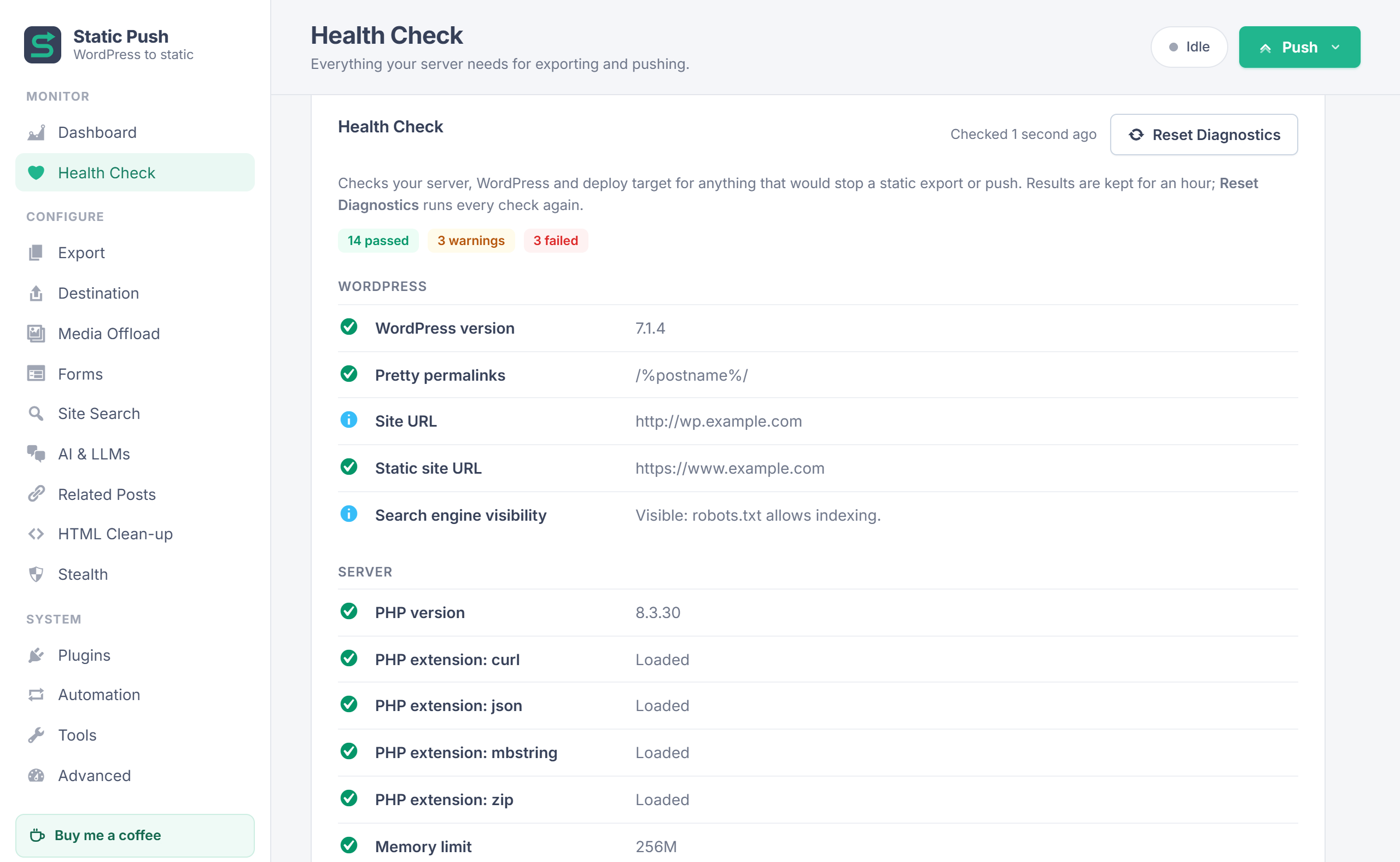
- Health Check: permalinks, loopback requests, background worker, direct fetch, WP-Cron, PHP, disk space, destination connection and more.
- WP-CLI:
wp static-push export [--no-deploy],wp static-push deploy,wp static-push status,wp static-push cancel.
安装:
- Install StaticPush by Quintaphon from Plugins > Add New (or upload the zip) and activate it.
- Go to Static Push > Destination, choose GitHub and click Connect GitHub. Enter the code shown on github.com and approve.
- Pick a repository, or click New to create a private one.
- Go to Export > Link rewriting, choose Full address and enter your public site address (for example https://www.example.com). Save.
- Click Push > Full site.
- In Cloudflare: Workers & Pages > Create > Pages > Connect to Git, pick the repository. Framework preset: None, build command: empty, output directory:
/.
屏幕截图:


常见问题:
Do I need to keep WordPress running?
Yes. You keep writing and editing in WordPress; Static Push turns the result into a static site. Visitors only ever see the static copy, so WordPress can live on a private hostname.
How long does a full push take?
It depends on the number of addresses (posts, category and tag pages, pagination, feeds, files) and on how fast WordPress builds a page. A site with a few thousand addresses usually takes 10 to 20 minutes. After that, automatic pushes only export the pages that changed.
Will comments, contact forms and search work?
Search works through the built-in static search. Forms can be sent to an external form service. WordPress comments need WordPress, so remove the comment form or use an external comments service.
My scheduled posts are published late.
WP-Cron only runs when someone visits WordPress. Keep Automation > Publish missed scheduled posts on, and have a service such as cron-job.org call the wp-cron.php address shown on that page every minute.
What happens to my data if I delete the plugin?
By default, settings, the GitHub connection, media records and exported files are kept, so reinstalling picks up where you left off. Turn on Tools > Delete all data when the plugin is deleted first if you want everything removed. Your static site, GitHub repository and R2 bucket are never touched.
Does it work with page caches?
Yes. Exports bypass page caches with a query parameter and a no-cache header.
更新日志:
- Fix: when a post was taken out of a category or tag, automatic pushes refreshed only the archives of the terms it still had, so the old category page on the static site kept listing the post until the next full export. The archive (and its feed) of every removed category or tag is now pushed too. The same applies to the old author page when the author changes, and to the old date archives when the publish date moves to another month.
- The generated site and work files now live in one folder, uploads/staticpush, kept from direct web access: deny rules for Apache and IIS, an empty index, and random per-site sub-folder names that also protect them on nginx. Existing folders are moved there automatically the first time no push is running; files keep their dates, so nothing is uploaded again.
- The feed and sitemap page script tag is now built with wp_get_script_tag().
- When Cloudflare refuses a request without an error list, the log now shows the start of its reply, so the cause is visible.
- Folder locations (site folder, uploads, themes, plugins) now come from WordPress functions, so exports work when wp-content or uploads are moved.
- The core sitemap address comes from get_sitemap_url().
- The plugin is now licensed under the GNU General Public License, version 2 or later, ready for the WordPress.org plugin directory.
- Change: feeds and sitemaps no longer use XSLT stylesheets. Chrome now shows "This site uses XSLT; that functionality is being removed from this browser very soon" on them, and other browsers are dropping XSLT too. Instead each feed and sitemap gets one script tag (rss-style.js, main-sitemap.js) that turns the XML into a readable page in a browser, with clickable links, in the same design as before. Feed readers and search engines ignore the tag.
- Change: the SEO plugin's own XSLT stylesheet line is now removed from sitemaps, and WordPress's from feeds, even with the browser view switched off.
- Change: the "Custom rss-style.xsl" and "Custom main-sitemap.xsl" boxes are replaced by "Extra CSS" boxes for the feed and sitemap pages. A custom XSL saved earlier is no longer used.
- Note: run one "Full site" push (or push the feed and sitemap addresses) after updating, so every feed and sitemap is exported again. Old rss-style.xsl and main-sitemap.xsl files on the static site are left in place.
- Fix: on sites with a very large export folder the Static Push page could stop loading part-way (blank page, no menu links working), because the "Exported files" count loaded every exported file into memory. The count is now taken without holding the file list, is cached for five minutes, and skips folders that cannot be read instead of failing.
- New: Automation > "Refresh listing pages up to" (0 by default, which keeps the old behaviour). On sites with many posts, one new or removed post moves every older post down a place, so an automatic push re-exported every page 2, 3 and so on of the home page and its categories (over 1,300 pages on a site with 53,000 posts). Set a page number to refresh only up to that page; later pages are brought up to date by the next full export. Pushes of specific pages still refresh every page.
- Fix: links written with the static site's own address (the Destination URL, with or without "www.") were treated as external, so images and files linked that way in posts were never exported by partial or automatic pushes, and only reached the static site through a full push with "Every uploaded file" on. They are now read as the same WordPress address and exported like any other internal link. Nothing changes when no Destination URL is set.
- Fix: a wildcard line in the _redirects box (for example "/page/ / 301") could silently switch off most other redirects. Cloudflare Pages counts every line after the first wildcard ( or :placeholder) rule toward its limit of 100 wildcard rules, so renamed-post redirects, feed redirects and /sitemap.xml further down stopped working. Plain rules are now always written before wildcard rules, each group keeping its order.
- The activity log warns when _redirects has more rules than Cloudflare Pages applies (2,000 plain, 100 wildcard).
- Fix: on some servers every exported page could come out empty (only the search script tag was left), which published a blank static site. The "Remove emoji scripts & styles" clean-up used a pattern that runs out of PCRE stack ("JIT stack limit exhausted") on pages with large inline scripts, and PHP then returns nothing instead of the page. The emoji and admin-bar clean-ups now check each script or style block separately, which stays within PCRE limits on any page size.
- Safer exports: if any clean-up or link-rewrite pattern fails on a page, that one step is skipped and logged, and the rest of the page is kept as it was.
- Safety net: a page that comes out of processing empty or cut off (its is gone) is no longer saved or pushed. The error is logged and the version from the last push stays on the static site. The 404 page falls back to the built-in one in the same case.
- Fix: with the Jetpack design, the Related Posts "Headline" setting was ignored on pages that already have Jetpack's related posts box, so the static site showed Jetpack's own heading ("Related"). The setting now replaces the heading in Jetpack's box, keeping its markup and styles. Leave it empty to keep Jetpack's heading. Run a "Full site" push to update existing pages.
- Faster full exports on large sites: posts that share the same categories and tags now share one related posts lookup for the whole job, instead of running one scoring query per post. The newest posts used to fill short lists, and each related post's details, are looked up once per batch, and excerpts are only built when they are shown.
- Much faster site search index on large sites. It is rebuilt at the end of every push, including small automatic ones, and used to read every post in full (content and custom fields) in pages of 300, re-sorting the whole posts table for each page. It now reads only the title, address and date of each post, in one sorted list (content is still read when "Show excerpts" is on). On a site with 50,000 posts this took a one-page push from about 4.5 minutes to seconds.
- The activity log now ends each export with a timing summary: time spent waiting for WordPress to render pages, processing pages (and related posts), and job bookkeeping.
- Fix: when a post split into pages with the Page Break block () was updated, automatic and "Pending changes" pushes re-exported only its first page, so page 2, 3 and onward kept the old content on the static site. All pages of the post are now exported. Run one "Full site" push after updating to refresh pages that are already out of date.
- First public release.