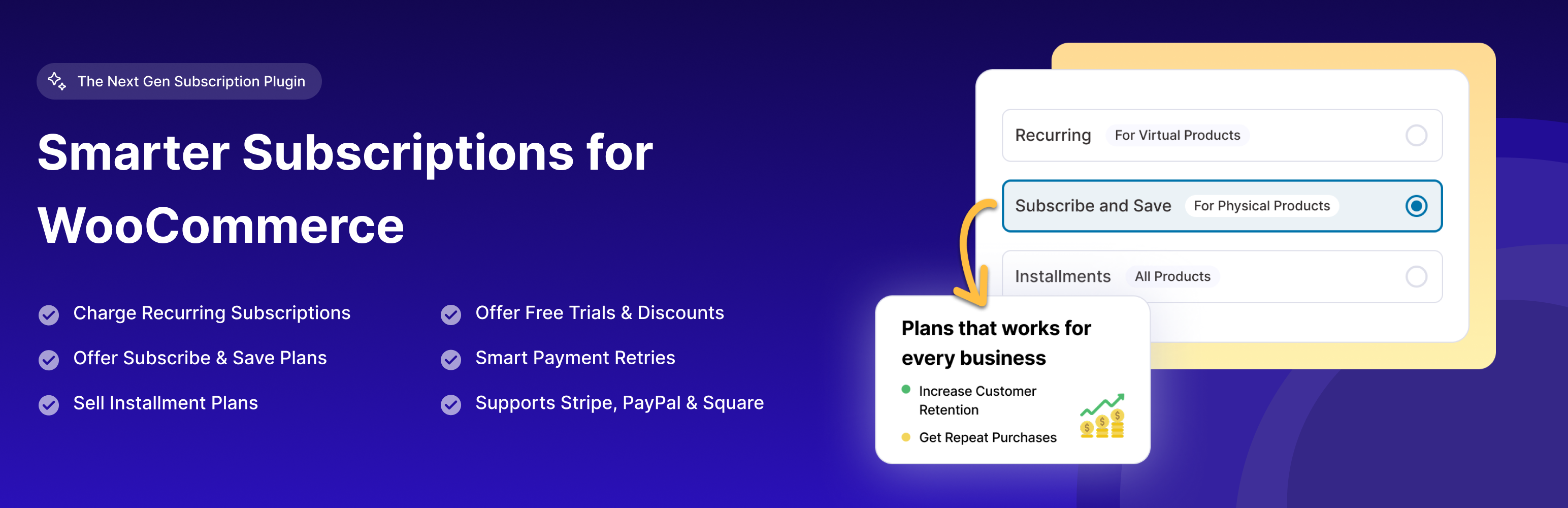
Sublium Subscriptions - Subscriptions for WooCommerce – Recurring Payments, Subscription Plans & Installments
| 开发者 |
amans2k
sublium |
|---|---|
| 更新时间 | 2026年7月14日 20:07 |
| PHP版本: | 7.4 及以上 |
| WordPress版本: | 7.0 |
| 版权: | GPLv3 or later |
| 版权网址: | 版权信息 |
详情介绍:
安装:
- Log in to your WordPress dashboard
- Navigate to Plugins > Add New
- Search for “Sublium”
- Click “Install Now” and then “Activate”
- Download the Sublium Subscriptions plugin zip file
- Log in to your WordPress dashboard
- Navigate to Plugins > Add New > Upload Plugin
- Choose the downloaded zip file and click “Install Now”
- After installation, click “Activate Plugin”
- Navigate to the Sublium Subscriptions settings screen
- Configure your subscription settings
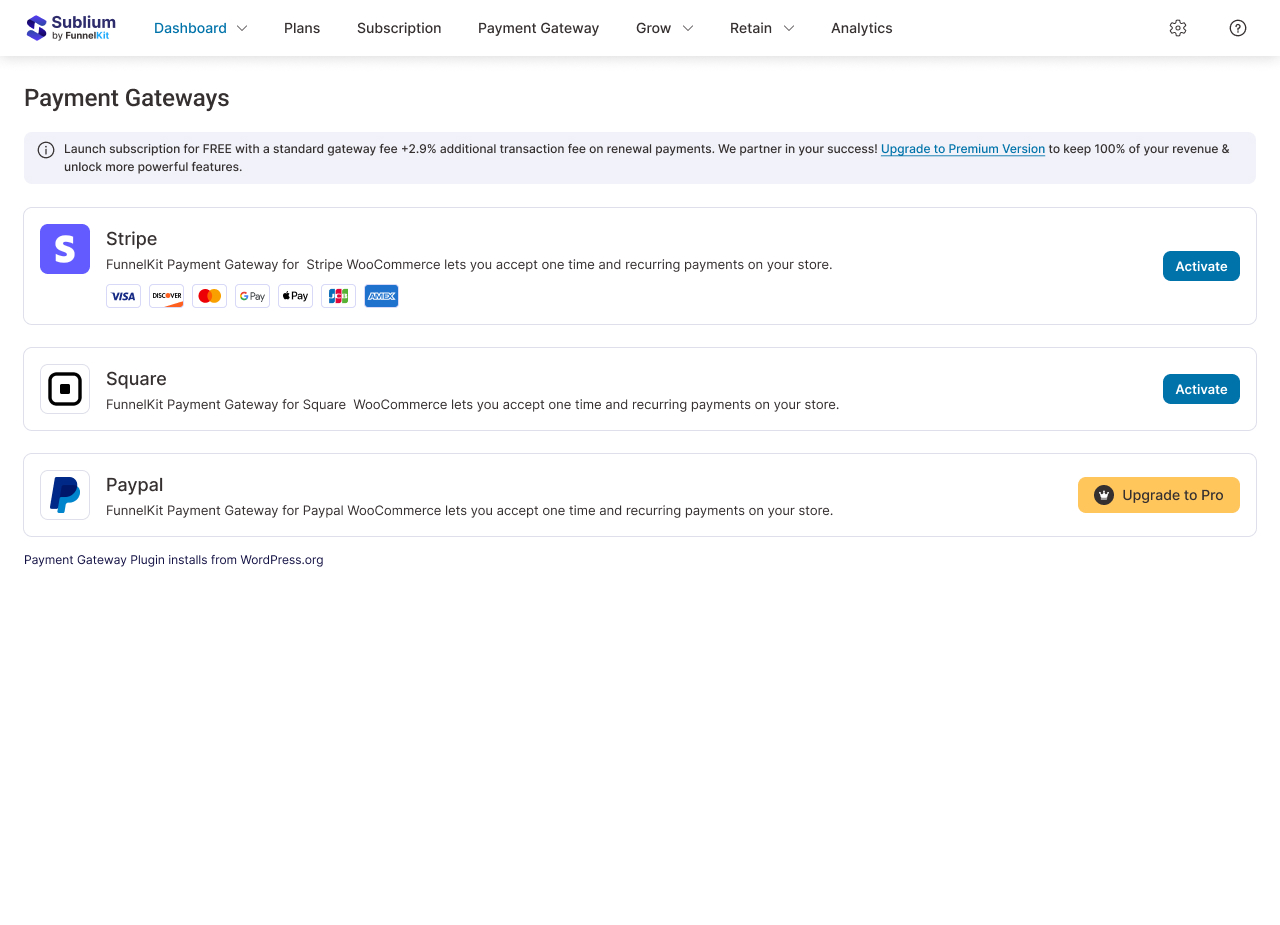
- Connect your payment gateway
- Create your first subscription product
- Start accepting recurring payments
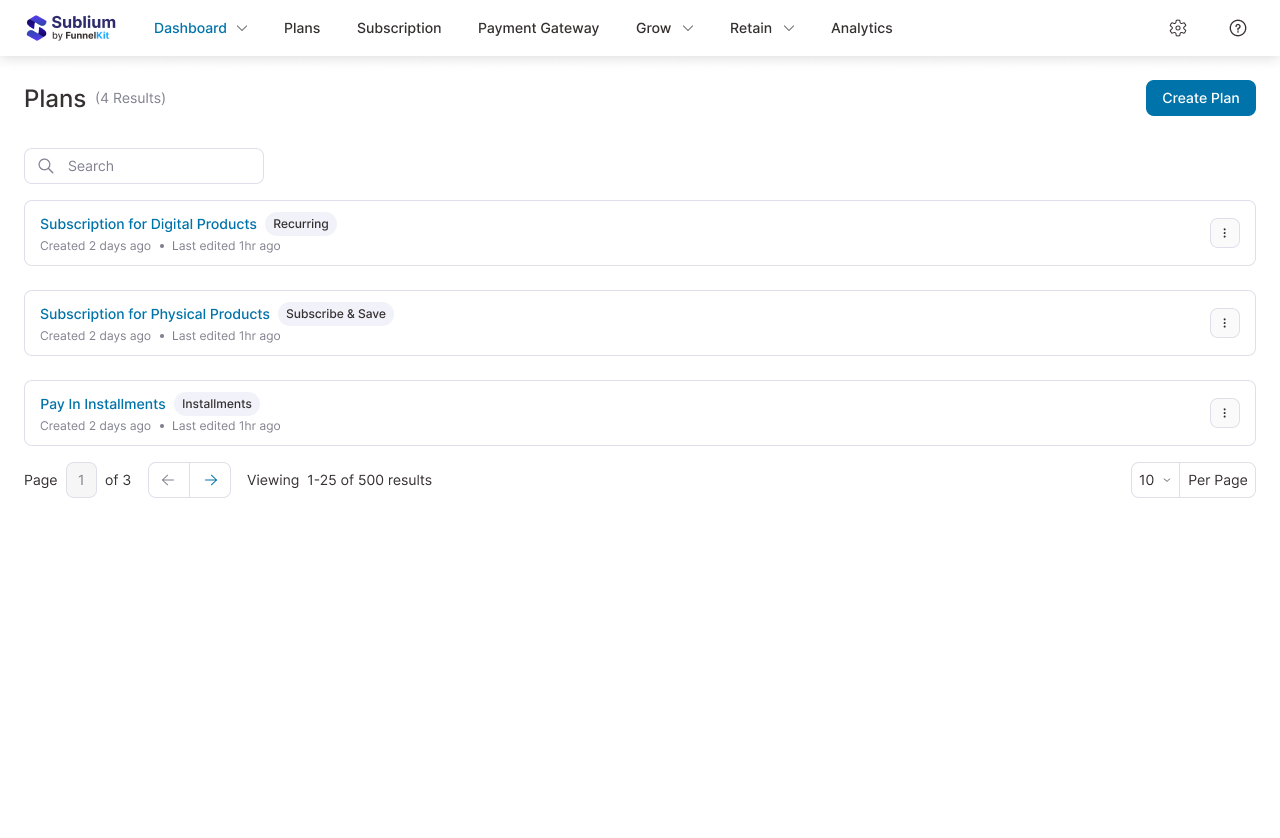
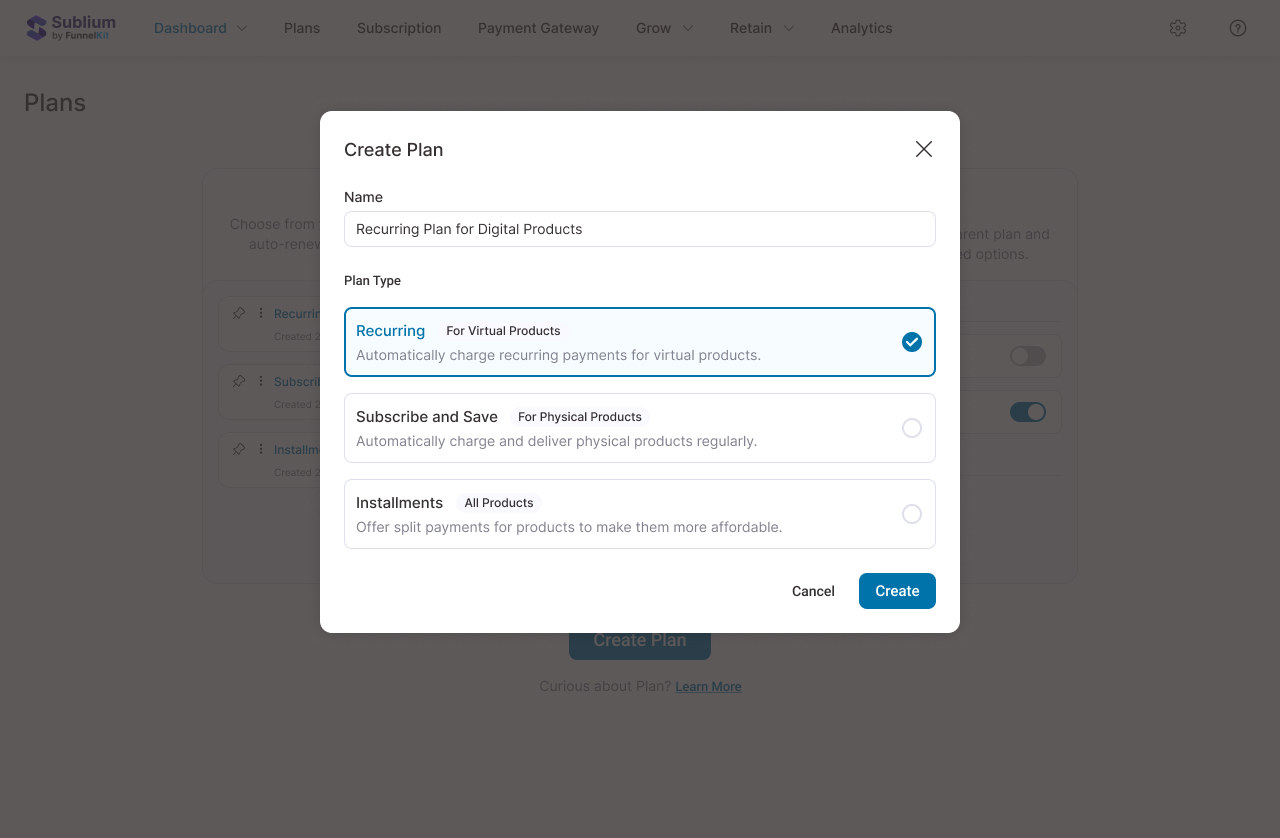
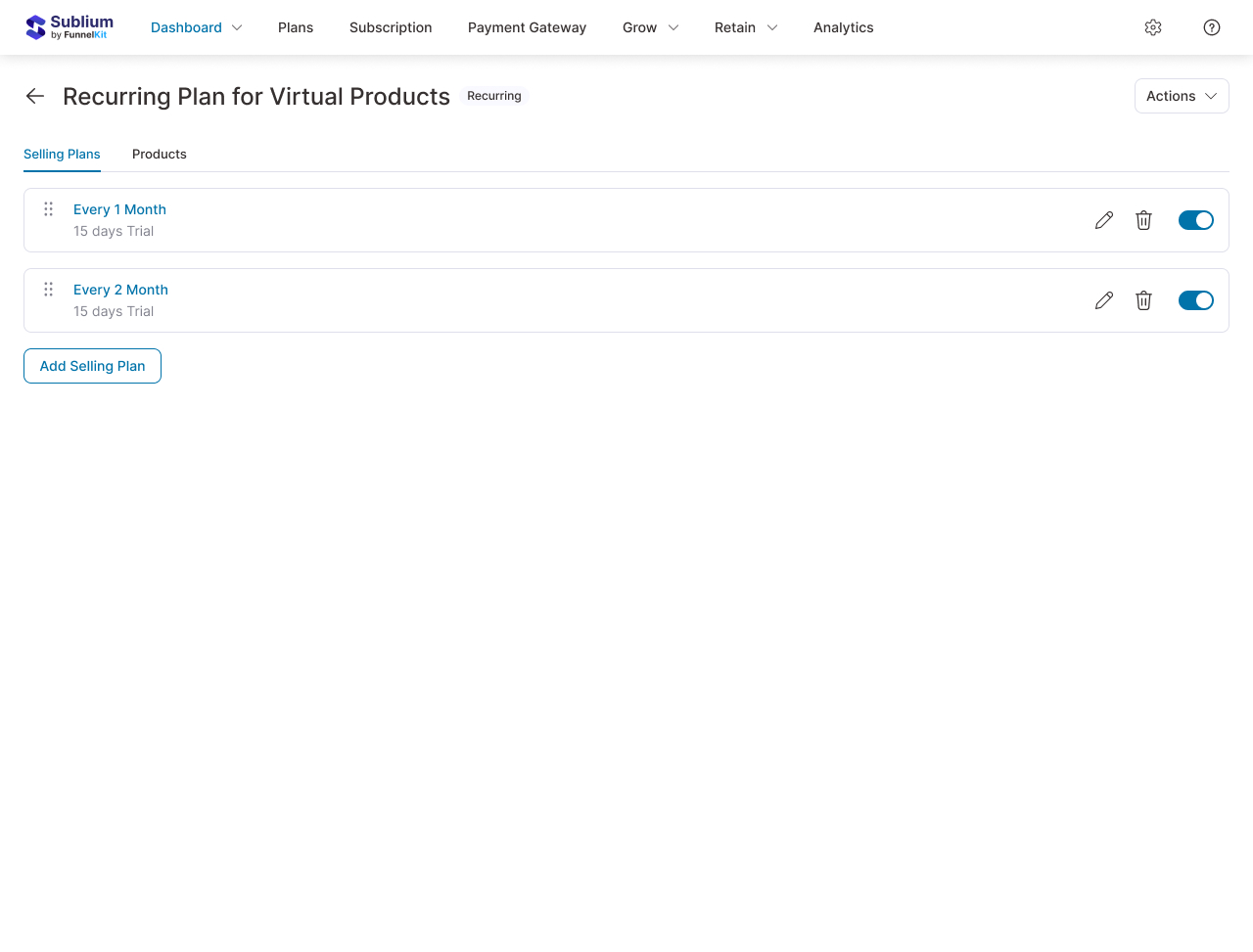
屏幕截图:

常见问题:
What is Sublium Subscriptions and how does it work?
Sublium is the brand, and Sublium Subscriptions is its WooCommerce subscription management product. It lets you turn WooCommerce products into subscription products, automate renewals, manage customers, and track subscription performance from one dashboard.
How do I add subscriptions to WooCommerce?
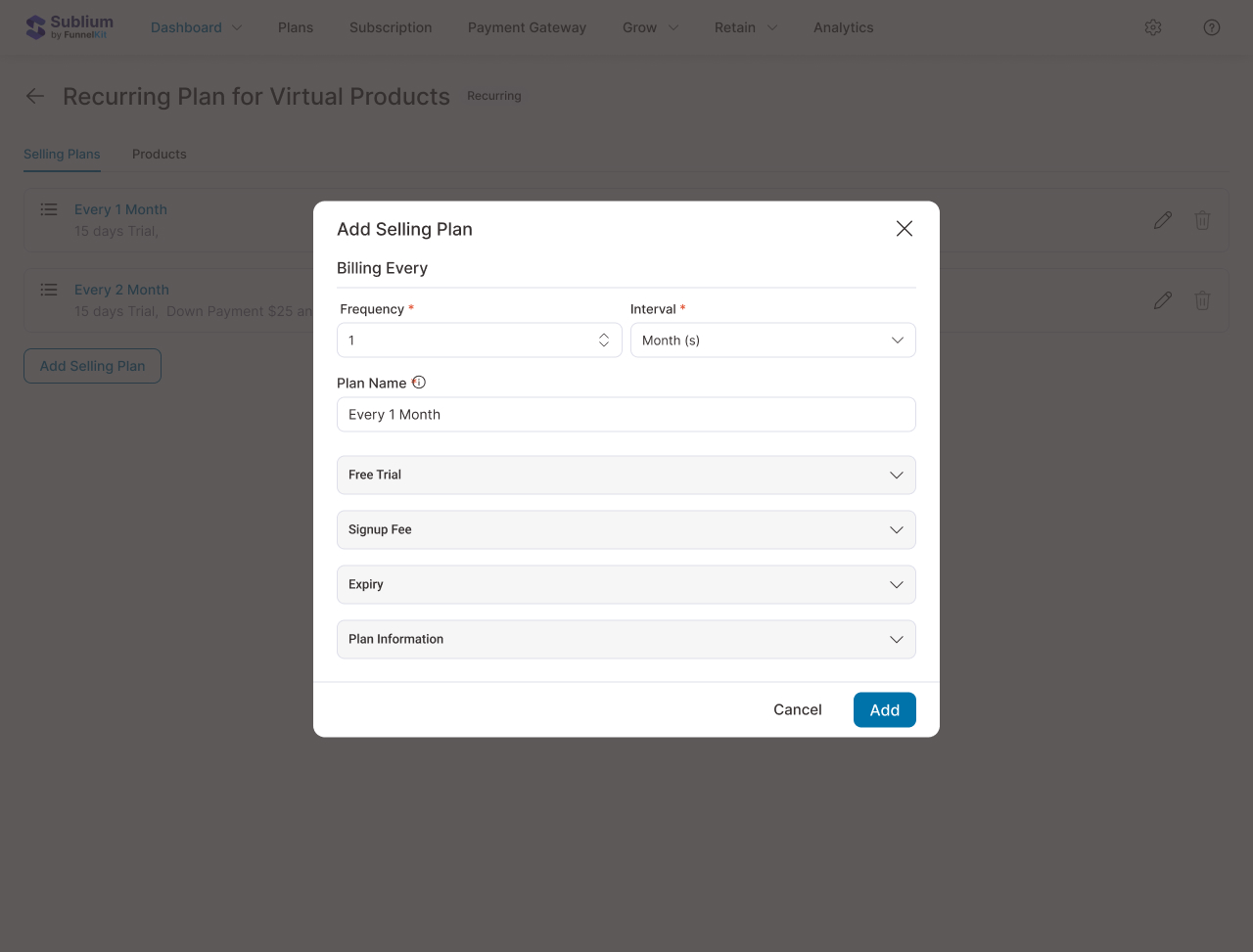
Install Sublium Subscriptions, activate it, connect your payment gateway, and configure a WooCommerce product as a subscription or installment plan using the plugin settings.
How do recurring payments work in WooCommerce?
Sublium Subscriptions schedules renewals automatically, charges supported saved payment methods through compatible gateways, records renewal activity, and notifies customers about key subscription events.
Can I create installment payment plans in WooCommerce?
Yes. Sublium Subscriptions supports installment payment plans so you can split purchases into scheduled payments while keeping the customer experience inside WooCommerce.
Can customers pause or skip subscriptions in WooCommerce?
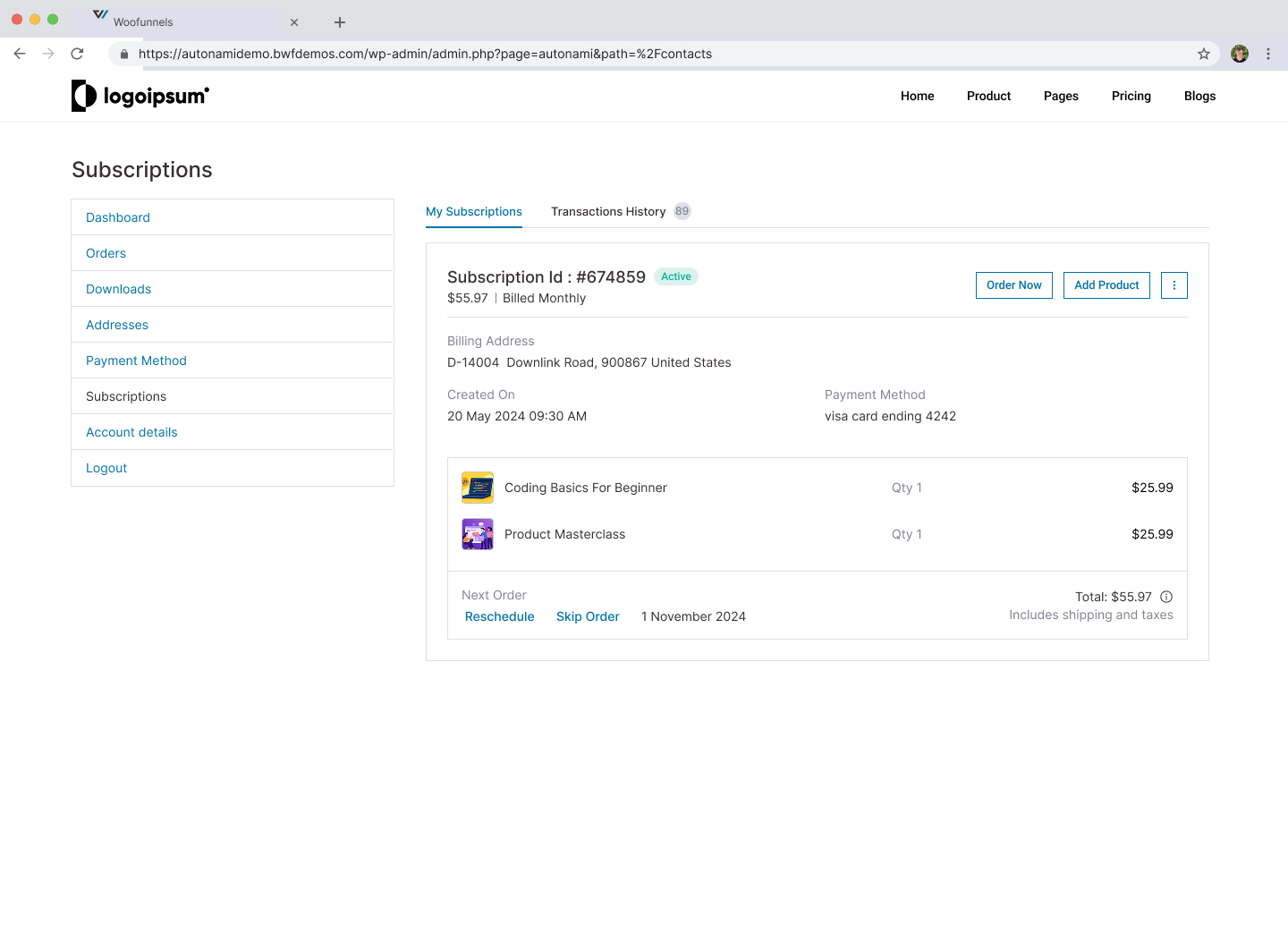
Yes. Sublium Subscriptions includes customer self-service tools that let subscribers pause, skip, reschedule, restart, or manage key aspects of their subscriptions.
Which payment gateways support recurring payments?
Sublium Subscriptions supports Stripe for automatic recurring payments, along with Square, PayPal, major cards, Apple Pay, and Google Pay depending on your setup.
Does Sublium Subscriptions handle failed payments automatically?
Yes. Sublium Subscriptions includes built-in dunning and failed payment recovery with retry scheduling, reminder emails, and customer card update workflows.
How are subscription upgrades and downgrades handled?
Sublium Subscriptions automatically handles plan changes and prorates charges when customers upgrade or downgrade, helping keep billing fair and predictable.
Can I sell memberships and regular products together?
Yes. Customers can buy Sublium Subscriptions products and regular WooCommerce products in the same checkout.
Will Sublium Subscriptions work with my WordPress theme?
Yes. Sublium Subscriptions is built to WooCommerce standards and is designed to work smoothly with most well-coded themes.
Does Sublium Subscriptions support variable products and multiple plans?
Yes. You can create variable subscription products in Sublium Subscriptions and offer monthly, quarterly, yearly, or custom billing options.
Does Sublium Subscriptions work with WPML for multilingual stores?
Yes. Sublium Subscriptions is compatible with WPML for multilingual WooCommerce subscription stores.
Can I migrate from another WooCommerce subscription plugin?
Sublium Subscriptions is designed for store owners who want a simpler recurring billing stack. If you are moving from another setup, review your existing product, customer, and renewal workflows first, then map them into the Sublium Subscriptions structure.
Are there limits on subscriptions or subscribers?
No. With Sublium Subscriptions, you can create unlimited subscriptions and serve unlimited subscribers.
Is Sublium Subscriptions GDPR compliant?
Sublium Subscriptions follows GDPR-friendly practices and supports data export and deletion requests through WordPress and WooCommerce workflows.
What reports can I generate?
Sublium Subscriptions can report on recurring revenue, subscriber growth, churn, payment success, subscription status, MRR, ARR, and other subscription trends.
How does Sublium Subscriptions handle taxes?
Sublium Subscriptions integrates with WooCommerce tax settings so taxes can be calculated on subscriptions and renewals based on your store rules.
Need help setting things up?
Our Support Team is ready to help you launch and grow your subscription business.
更新日志:
- Added: WooCommerce Mix and Match Products compatibility — display Sublium plans on Mix and Match products. (#226)
- Added: WooCommerce Product Bundles compatibility — display Sublium plans on bundled products. (#229)
- Added: Support for FunnelKit PayPal Gateway for subscriptions, enabling seamless PayPal-based subscription payments. (#273)
- Added: A couple of more activities tracked for better visibility and tracking. Covered in Activity logs. (#237)
- Fixed: Variation price HTML missing from product data, causing inaccurate price display when switching variations on the frontend. (#229)
- Fixed: FunnelKit cart slider area has some CSS conflict related to scrolling, fixed. (#236)
- Fixed: Elementor WooCommerce widgets styling distortion on the My Account page. (#252)
- Fixed: Upgrade modal not opening when all product variations are virtual but the parent product is physical. (#253)
- Fixed: Checkout page styling and tooltip icon alignment on the FunnelKit checkout. (#261)
- Fixed: Multiple UI refinements across checkout, slide cart, plan selection, and recurring totals layouts. (#262)
- Initial release
- Core subscription management functionality
- Payment gateway integration for Stripe, PayPal, and Square
- Admin dashboard with React-based UI
- Customer subscription management interface
- Subscription plans and groups
- Email notifications
- REST API endpoints
- Comprehensive activity logging