Taiwan Web Designs Quote Popup
| 开发者 |
ernieramirez
taiwanwebdesigns |
|---|---|
| 更新时间 | 2025年12月22日 21:41 |
| 捐献地址: | 去捐款 |
| PHP版本: | 7.0 及以上 |
| WordPress版本: | 6.9 |
| 版权: | GPLv2 or later |
| 版权网址: | 版权信息 |
详情介绍:
- Multi-step form flow that keeps users engaged
- Fully customizable colors, text, and button position
- Email notifications for new submissions
- Lead management dashboard in WordPress admin
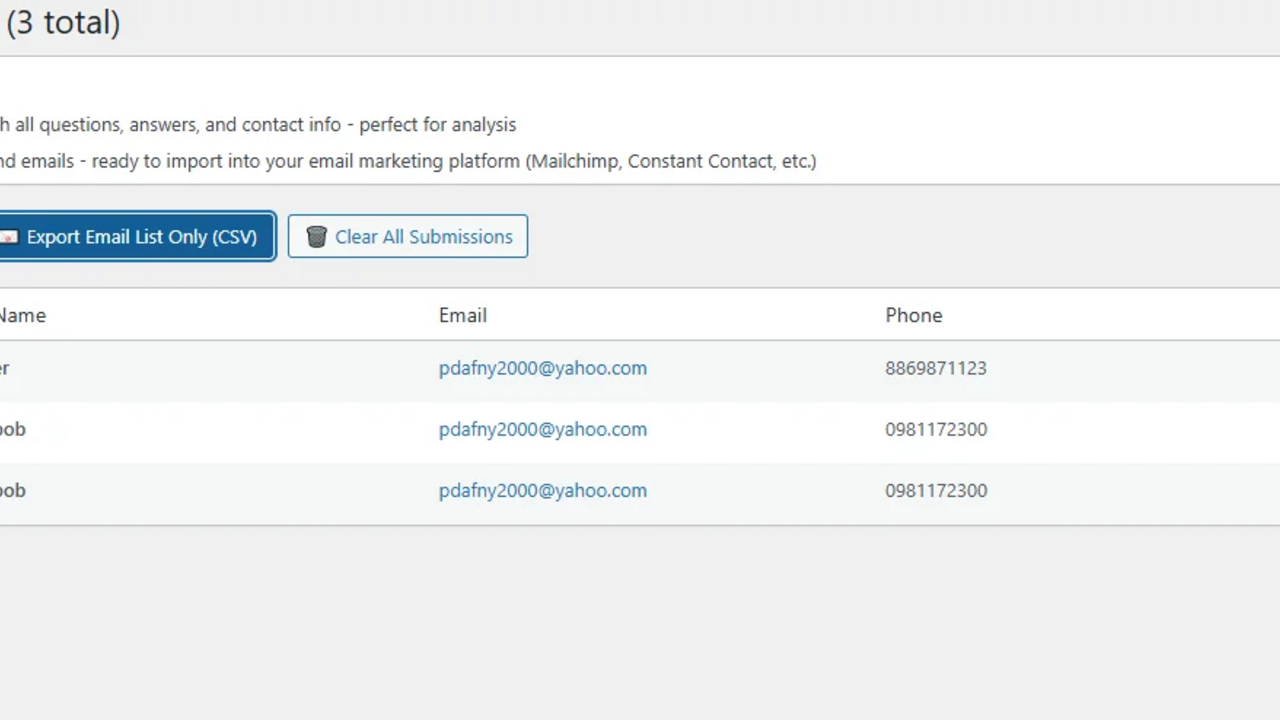
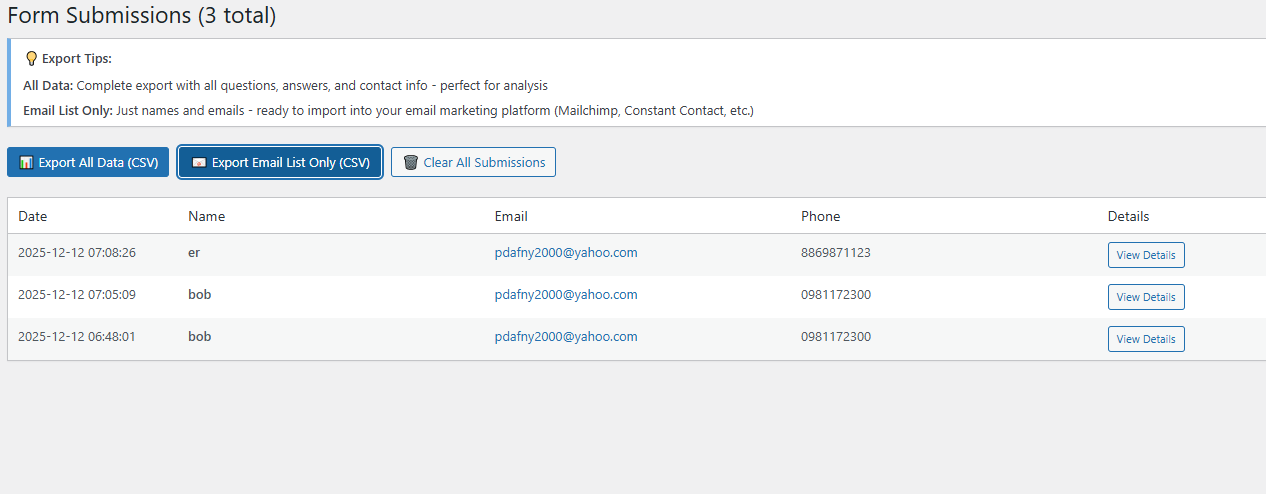
- CSV export for email marketing platforms
- Mobile responsive design
- Easy 5-minute installation
- Secure with WordPress security best practices
- Professional appearance on any website
- Web design agencies
- Freelancers and consultants
- Service-based businesses
- E-commerce stores
- Real estate agents
- Marketing agencies
- Any business that needs to capture leads
- User clicks the floating button on your site
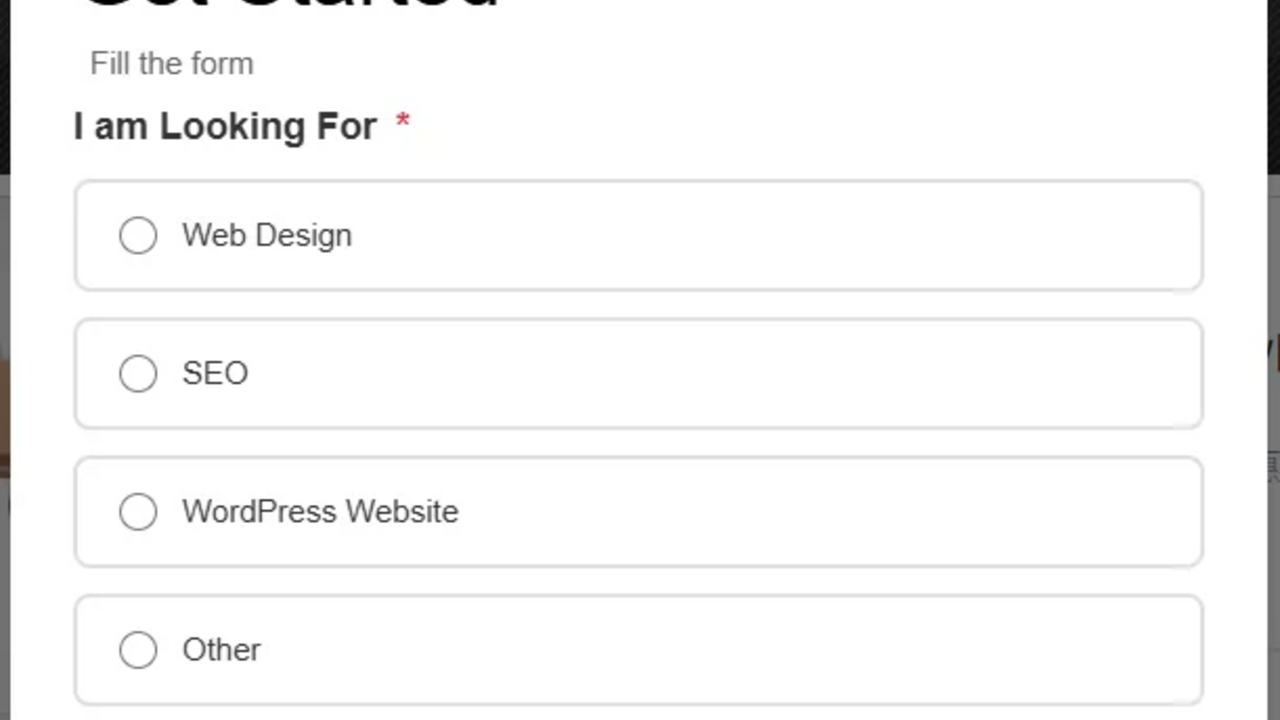
- Beautiful popup opens with your custom questions
- User answers questions in a multi-step flow
- Final step collects contact information
- You receive email notification
- All data is saved in your WordPress dashboard
- All Data Export - Complete information including all question answers
- Email List Only - Just names and emails for email marketing platforms
安装:
- Log in to your WordPress admin panel
- Navigate to Plugins → Add New
- Search for "Quote Form Popup"
- Click "Install Now" and then "Activate"
- Go to Quote Form in your admin menu to configure
- Download the plugin zip file
- Log in to WordPress admin
- Go to Plugins → Add New → Upload Plugin
- Choose the zip file and click "Install Now"
- Activate the plugin
- Go to Quote Form → Settings to configure
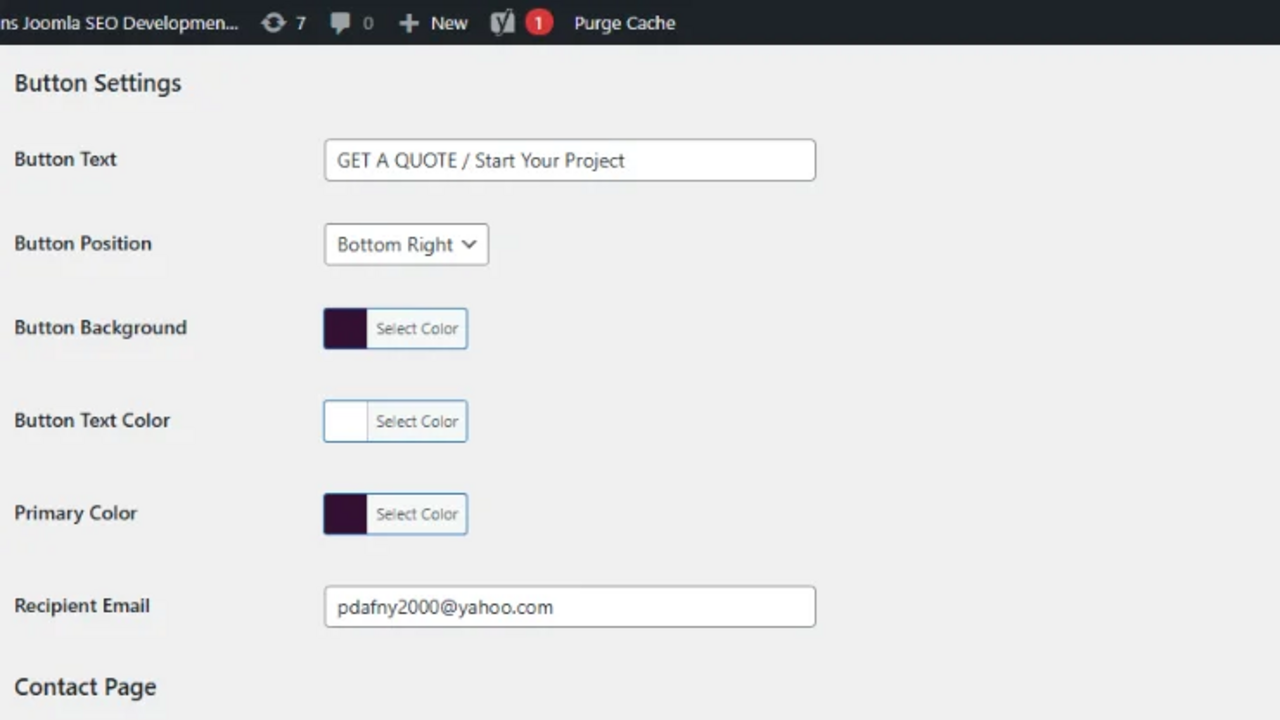
- Go to Quote Form → Settings
- Customize your button text and colors
- Edit the question steps to match your needs
- Enter your email address for notifications
- Click Save All Settings
- Visit your website and test the popup
屏幕截图:
常见问题:
How do I customize the questions?
Go to Quote Form → Settings in your WordPress admin. You can edit existing steps, add new steps, or delete steps. Each step can have a title, subtitle, question, and multiple answer options.
How do I change the button position?
In Quote Form → Settings, look for "Button Position" under "Button Settings". You can choose from bottom-right, bottom-left, top-right, or top-left.
Where are form submissions stored?
All submissions are automatically saved in your WordPress database. View them anytime at Quote Form → Submissions.
Can I export my leads?
Yes! Two export options: (1) Export all data with questions and answers for analysis, or (2) Export email list only for importing into email marketing platforms.
Is the popup mobile-friendly?
Absolutely! The popup is fully responsive and works beautifully on all devices.
Does this work with page builders?
Yes, it works with all page builders including Elementor, Divi, Beaver Builder, and others. The button appears site-wide automatically.
Can I customize the colors?
Yes! You can customize the button background color, button text color, and primary accent color to match your brand.
How many steps can I have?
You can have as many steps as you want, but we recommend 3-5 steps for best conversion rates.
Is my data secure?
Absolutely! All submissions are stored in YOUR WordPress database - no third-party services involved. We use WordPress security best practices including nonce verification, data sanitization, and XSS prevention.
Do I need technical skills?
No! If you can install a WordPress plugin and change text fields, you can use Quote Form Popup. It's designed to be simple.
更新日志:
- Updated: Plugin name changed to "Taiwan Web Designs Quote Popup"
- Updated: Text domain changed to "taiwanweb-quote-popup"
- Updated: Plugin slug updated for WordPress.org directory
- Note: This is the same plugin with updated branding for WordPress.org compliance
- Added: CSV export - All data with complete information
- Added: CSV export - Email list only for email marketing platforms
- Added: Excel UTF-8 compatibility (BOM) for better international character support
- Added: Automatic name field splitting (First/Last name) for email marketing
- Improved: Security enhancements and code standards compliance
- Improved: WordPress.org coding standards compliance
- Fixed: All escaping and sanitization for WordPress security best practices
- Fixed: Date functions to use WordPress current_time()
- Fixed: Input validation and sanitization
- Fixed: Text domain consistency
- Fixed: Critical save functionality bug (nested forms issue)
- Improved: Button layout with crystal-clear visual hierarchy
- Enhanced: Save confirmation messages
- Added: Comprehensive branding and footer credits
- Improved: Email troubleshooting guide
- Major: Complete rewrite with simplified architecture
- Fixed: Settings save functionality
- Added: Email test page with troubleshooting
- Improved: Submissions page interface
- Added: Clear all submissions button
- Initial release