
Taxonomy Query Filter
| 开发者 |
twentybellows
pbking stevepfisterer thezenith |
|---|---|
| 更新时间 | 2026年4月8日 09:35 |
| WordPress版本: | 6.9 |
| 版权: | GPL-2.0-or-later |
| 版权网址: | 版权信息 |
详情介绍:
- Works with Any Taxonomy - Filter by categories, tags, or custom taxonomies
- Full Site Editing Ready - Built specifically for FSE and block-based themes
- Preserves Query Settings - Maintains pagination and other Query Loop configurations
- Flexible Filtering - Works with AJAX or page reload depending on your Query Loop settings
- Easy to Style - Standard markup and CSS classes for custom styling
- Dropdown Enhancer Compatible - Works seamlessly with dropdown enhancement libraries like Select2
- Recipe sites (filter recipes by cuisine, dietary type, or cooking method)
- Portfolio websites (filter artists by specialty or medium)
- Restaurant menus (filter menu items by category or dietary options)
- Product catalogs (filter by product type or category)
- News archives (filter articles by topic or tag)
- Any custom post type with taxonomies
安装:
- Upload the plugin files to the
/wp-content/plugins/taxonomy-query-filterdirectory, or install it via the WordPress Plugin Directory. - Activate the plugin through the 'Plugins' screen in WordPress.
- Insert the Taxonomy Query Filter block inside a Query Loop block on any page or post.
屏幕截图:
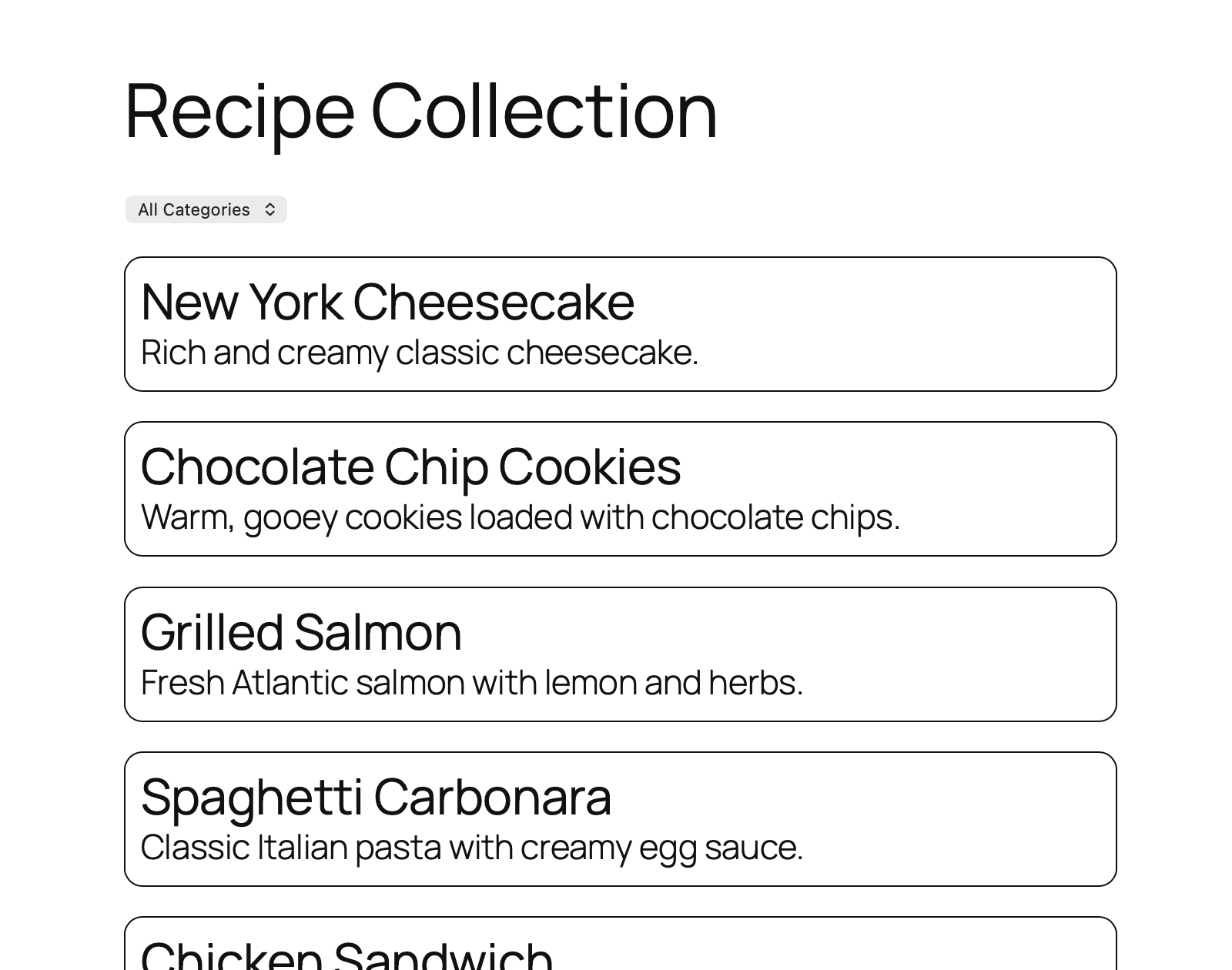
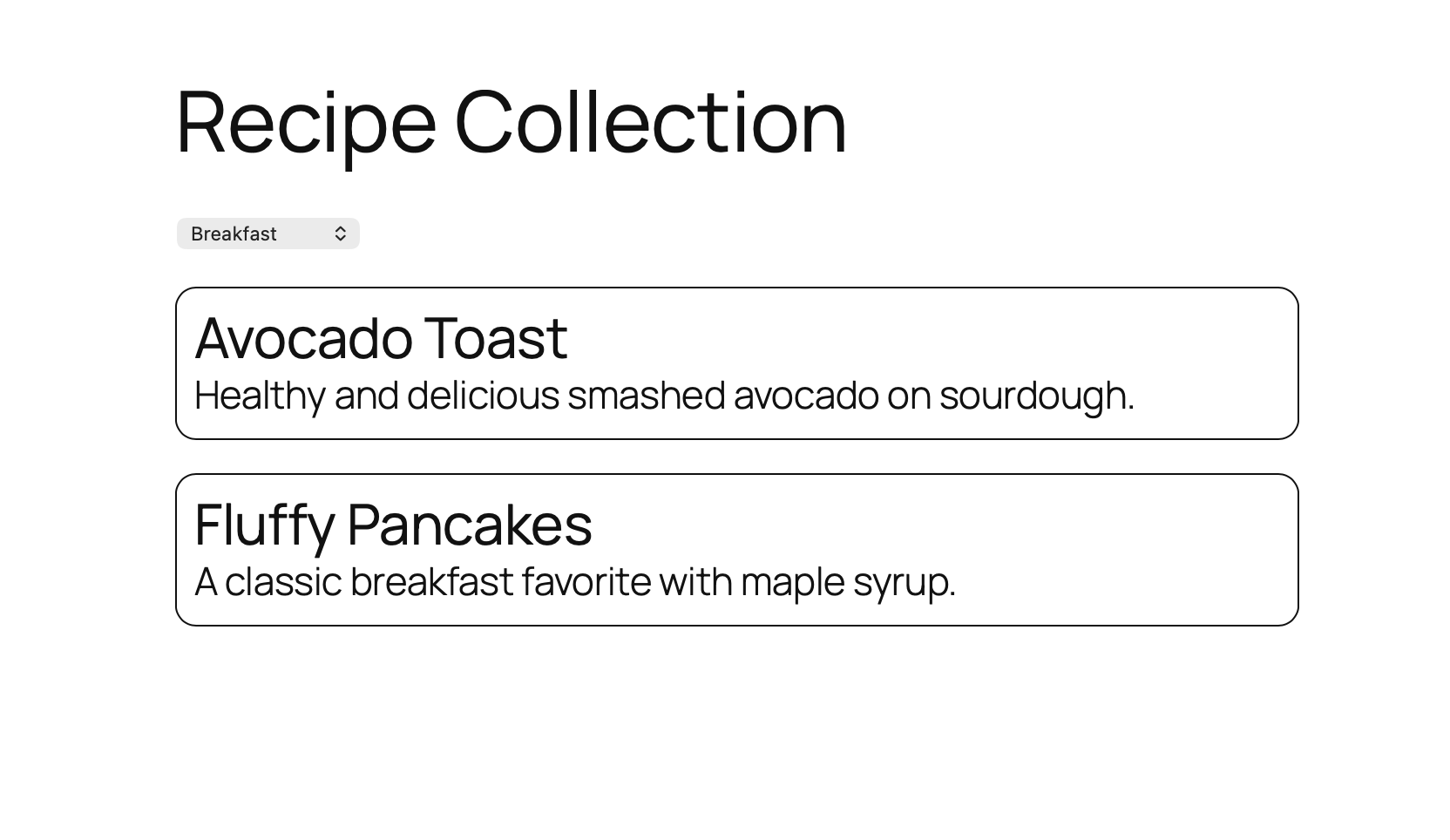
常见问题:
How do I use the filter?
- Insert a Query Loop block on any page or post.
- Insert the Taxonomy Query Filter block inside the Query Loop block.
- In the block settings panel, select the taxonomy you want to filter by (Category, Tag, or a custom taxonomy).
- Publish your page—visitors can now use the dropdown to filter posts.
Does it work with custom taxonomies?
Yes! The block works with any registered taxonomy, including custom taxonomies created by your theme or other plugins.
Will it work with my theme?
As long as your theme supports the WordPress Block Editor (Gutenberg), the plugin will work. It's specifically built for Full Site Editing (FSE) themes but works with any block-compatible theme.
Does the filter reload the page?
The filtering behavior depends on your Query Loop block settings. If you have "Reload Full Page" enabled in the Query Loop, the page will reload. Otherwise, it will use AJAX to update the content without a full page reload.
Can I use multiple filters on the same page?
Currently, the plugin supports one filter per Query Loop block. If you need to filter by multiple taxonomies, you would need separate Query Loop blocks for now.
Does pagination still work after filtering?
Yes! The plugin preserves all Query Loop settings, including pagination. Filtered results will be paginated according to your Query Loop configuration.
Can I style the dropdown?
Absolutely! The block outputs standard HTML markup with class names you can target with CSS. It also works with dropdown enhancement libraries like Select2 if you want advanced styling or search functionality.
What happens to the URL when filtering?
The plugin updates the URL with query parameters when a filter is applied. This makes filtered views shareable and allows visitors to bookmark specific filter combinations.
Do I need coding knowledge to use this plugin?
No coding required! Simply add the block to your Query Loop and select your taxonomy from the block settings. However, if you want custom CSS styling, basic CSS knowledge is helpful.
更新日志:
- Fixed bug where items without any terms were included in the 'all' designation.
- streamlined the query string used (included only the term)
- Fixed a bug where radio buttons didn't reflect selected item in some situations
- Fixed a bug where select didn't reflect selected item in some situations
- Changed taxonomy/term separator to . so that -'s and _'s can both be used in slugs
- Initial release with category filtering support.