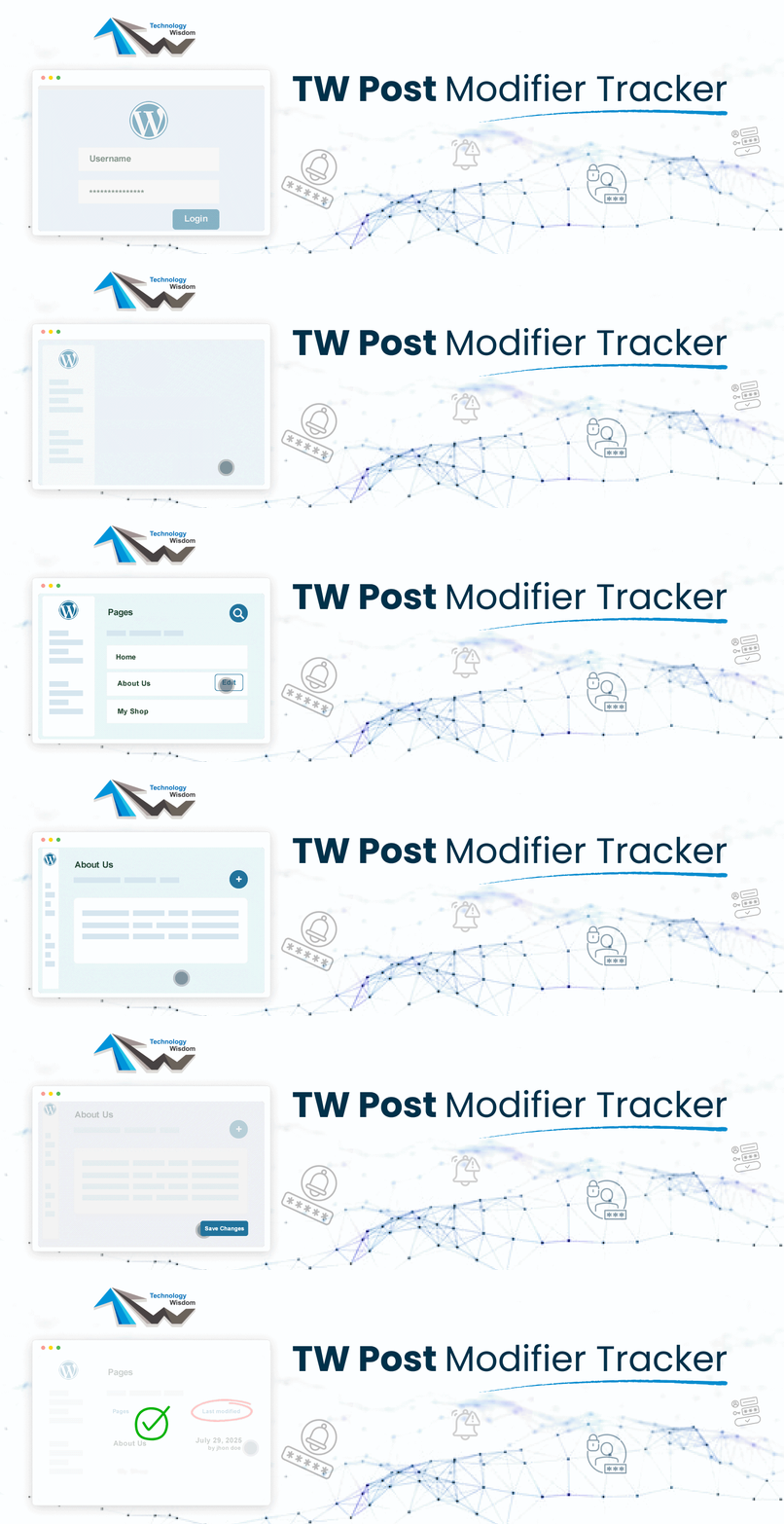
TW Post Modifier Tracker
| 开发者 | technologywisdom |
|---|---|
| 更新时间 | 2026年10月6日 20:10 |
| WordPress版本: | 7.1 |
| 版权: | GPL-2.0+ |
| 版权网址: | 版权信息 |
详情介绍:
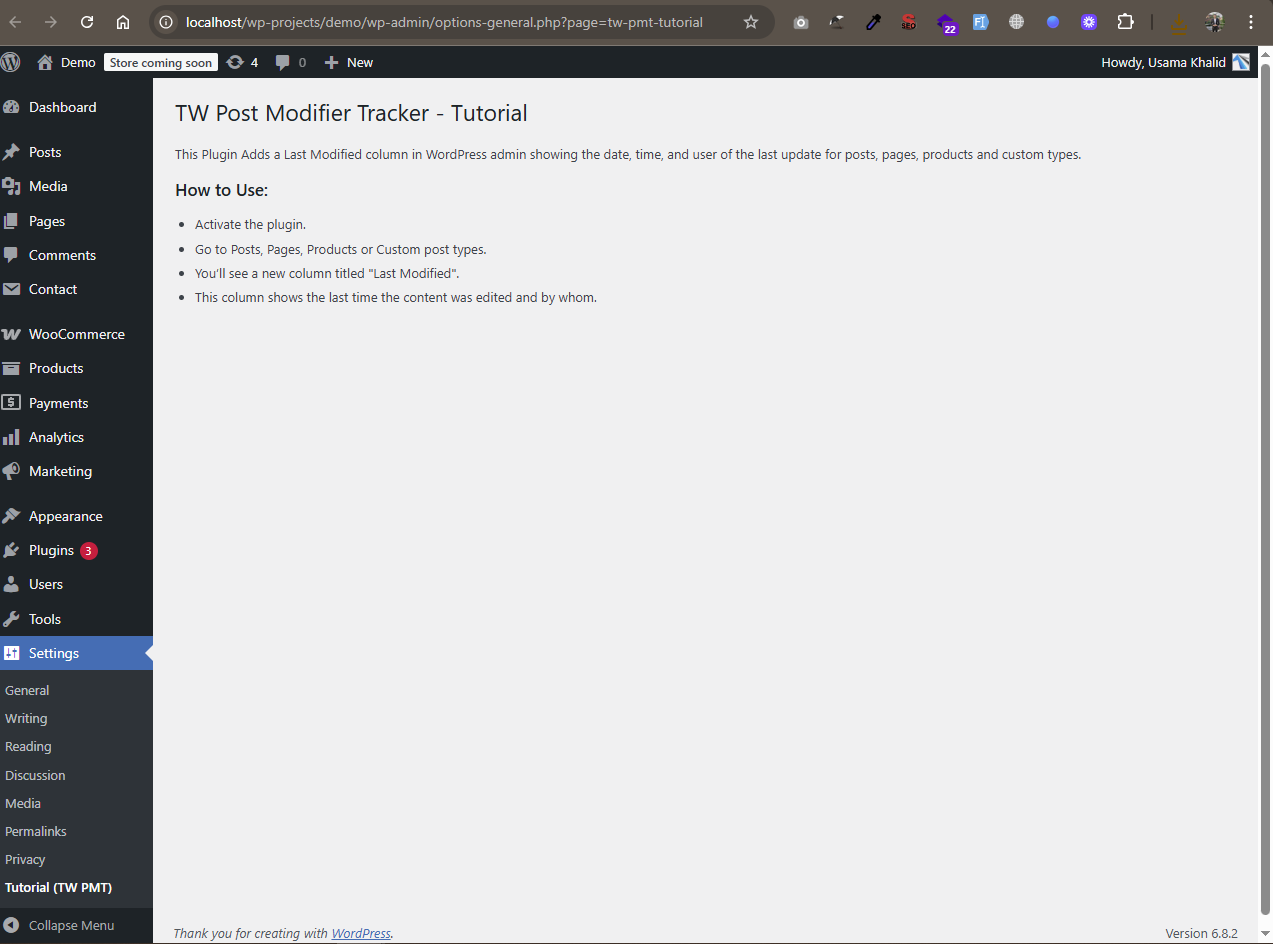
- Adds a "Last Modified" column to the admin list table for posts, pages, products, and custom post types
- Shows the exact date and time a post was last updated
- Displays the user who last modified the content
- Seamlessly integrates with the WordPress admin interface
- No configuration required, Just install and activate
- Includes a built-in tutorial page under Settings → Tutorial (TW PMT) with video guidance
- Secure Login Path with a custom login URL
- Upload Guard with role-based file size, type, and dimension limits
- Login Alert & Tracker with last-login tracking and email alerts
- Disable File Editor to block theme and plugin editors
- Post Modifier Tracker showing who last edited content
- Link Expiration by date and/or click count
- CPT Revisions control per custom post type
- Post Approval Notifier with optional draft hold-for-approval
- Security Dashboard with recent activity overview
- Complete Audit Log with CSV/PDF export
- Failed Login Monitoring & Brute Force Protection
- IP Blacklist to block unwanted visitors
- Two-Factor Authentication (email OTP) and role policies
- Login History by User with advanced filters
- Email, Slack & Discord security notifications
- Scheduled Security Reports (daily, weekly, or monthly)
- Suspicious Activity Detection & Alerts
- Security Health Check with recommendations
- File Change Detection for important WordPress files
安装:
- Upload the plugin folder to
/wp-content/plugins/, or install it via the WordPress plugin dashboard. - Activate the plugin through the Plugins menu.
- Navigate to Posts, Pages, or any public WooCommerce Products/Custom Post Type in your WordPress admin.
- Look for the new Last Modified column, that's it!
屏幕截图:
常见问题:
What timezone does the plugin use?
= Does this work with custom post types and WooCommerce Products? =\ Yes, it works with all public Custom Post Types and WooCommerce Products that support the admin UI. = Who is this plugin for? =\ Bloggers, editors, content managers, developers, anyone who needs to track post activity and authorship. = Will it impact performance? =\ No, it won’t. This is a simple, lightweight plugin that has minimal impact on your site. = Where can I view a tutorial? =\ You’ll find a full usage tutorial under Settings → Tutorial (TW PMT). The plugin follows the timezone set in your WordPress settings.
Why does it show Last Modified by Unknown?
If you see Last Modified by Unknown, it means the page has not been edited since the plugin was activated. Once the page is updated after activation, the plugin will capture and display the name of the user who last modified the page.
更新日志:
- Content and UI improvements
- Added Upgrade to Pro option
- Major Plugin Support Portal enhancement: more reliable connection.
- WordPress 7.1 compatibility check
- Bug Fixes
- Plugin support system is integrated with consent.
- Improved security by adding permission checks and enforcing server-side consent validation.
- Fixed Bugs
- Added review/feedback options
- Added Support page
- WordPress 7.0 compatibility check
- Initial release
- Adds "Last Modified" column support for posts, pages, WooCommerce products, and custom post types
- Includes comprehensive tutorial page with step-by-step guidance