
UserFerry – Export & Import Users
| 开发者 | farhansadik01 |
|---|---|
| 更新时间 | 2026年10月14日 20:56 |
| PHP版本: | 7.4 及以上 |
| WordPress版本: | 7.1 |
| 版权: | GPLv2 or later |
| 版权网址: | 版权信息 |
详情介绍:
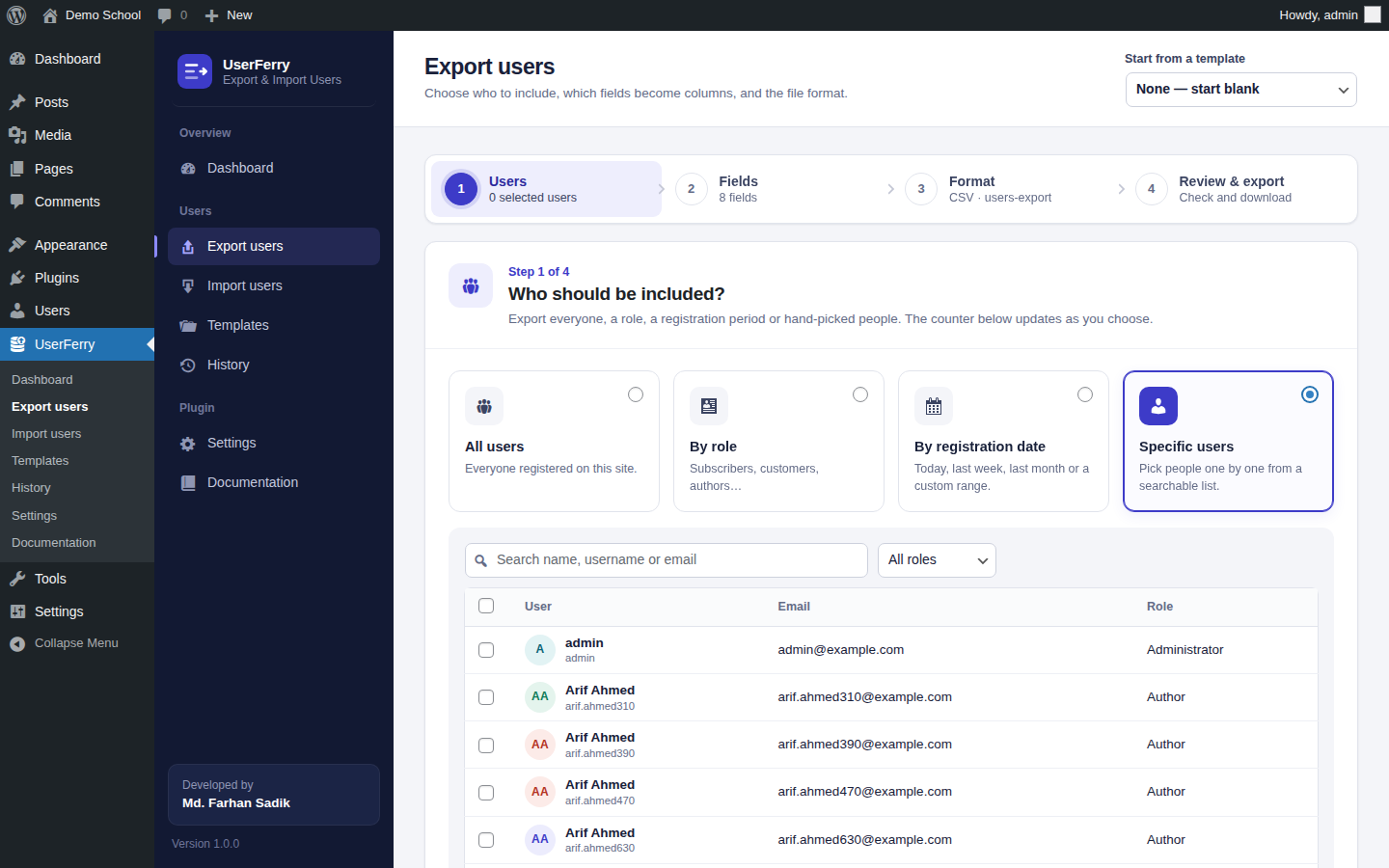
- All users, by role, by registration date or hand-picked — select individual users from a searchable, paged list.
- Search and sort — narrow any selection with a search term and choose the sort order.
- Live counter — see how many users match before you export.
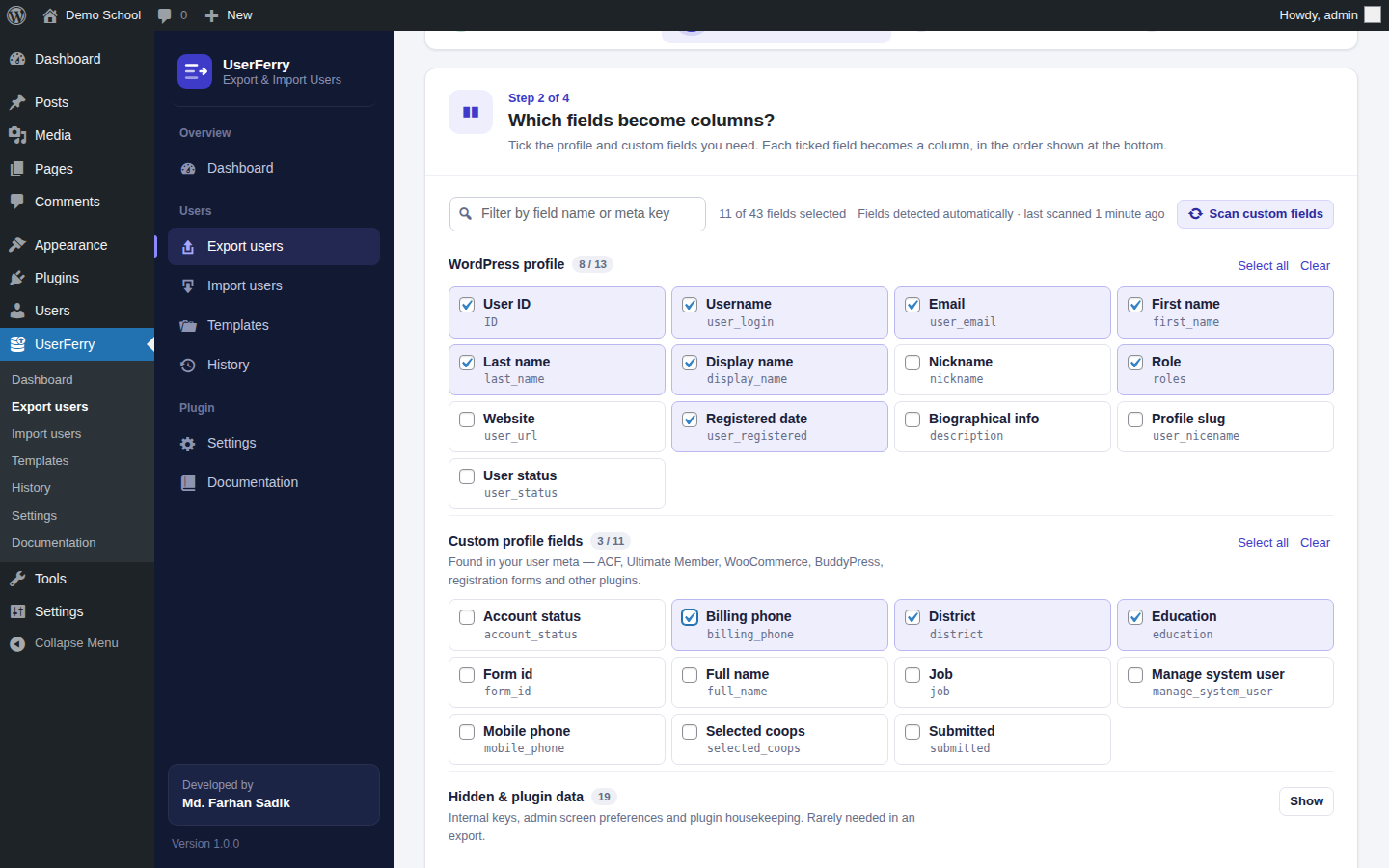
- WordPress profile fields — ID, username, email, first and last name, display name, nickname, role, website, registered date, biographical info and more.
- Custom fields detected automatically — ACF, Ultimate Member, WooCommerce billing and shipping, BuddyPress, Meta Box, JetEngine, registration form plugins and your own code. A Scan custom fields button refreshes the list at any time.
- Every field listed once — hidden reference keys (such as ACF's
_fieldcopies) are filtered out, and admin preferences are tucked into a collapsible "Hidden & plugin data" group. - Column order — drag columns into the order you want.
- CSV — configurable separator and UTF-8 marker for Excel.
- Excel (XLSX) — a styled, frozen header row and filter buttons, with no external libraries needed.
- JSON — for developers and APIs.
- XML — for reporting systems.
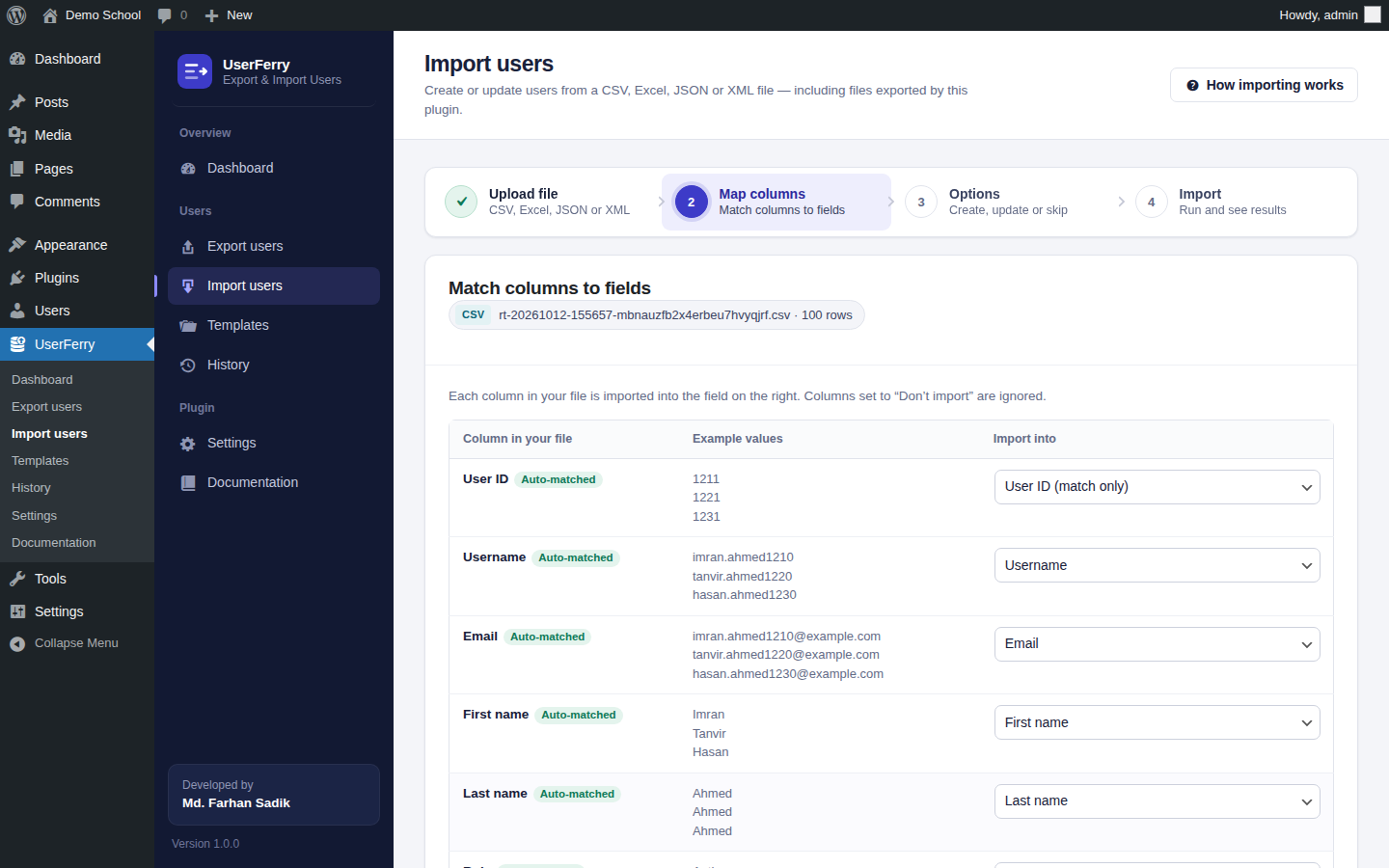
- Import the files you export — any CSV, Excel, JSON or XML file exported by the plugin can be imported again unchanged, so you can move users between sites or edit them in Excel and import the changes back.
- Files from other tools work too — comma, semicolon and tab separated CSV files are detected automatically.
- Automatic column matching — columns are matched to fields by name, meta key or common words; change anything, skip columns or save a column as a new custom field.
- Create or update — find existing users by email, username or ID, then update or skip them; create new users with a default role.
- Safe by design — you can only assign roles you are allowed to assign, your own role is never changed, users are not emailed about bulk changes, and every failed row is reported with its row number and reason.
- Memory-safe — Excel worksheets are streamed row by row, and row, column, cell and file-size limits protect your server from oversized or crafted files.
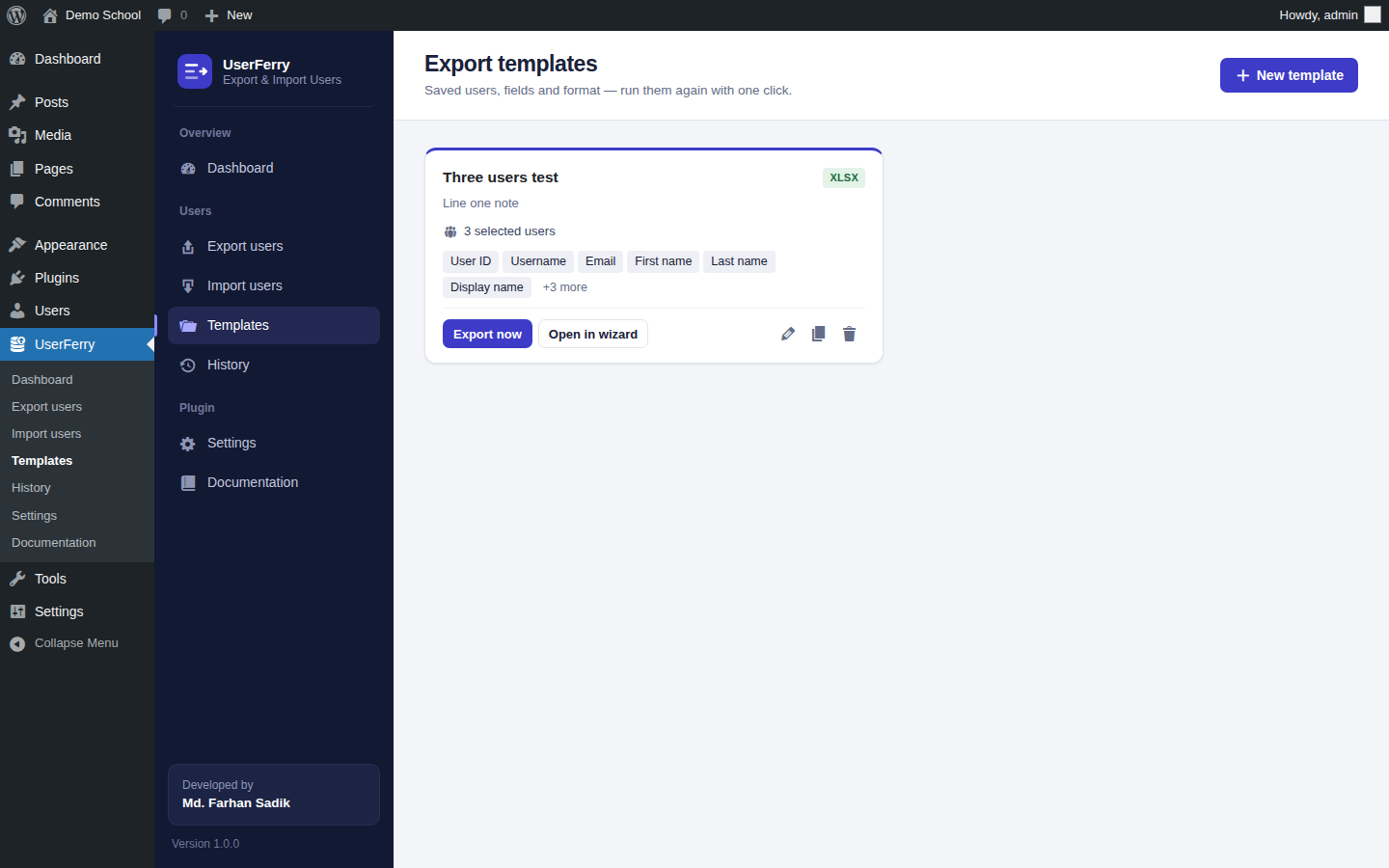
- Save any export as a template — for example "Subscribers — username, email, last name and education".
- One click — run it again with Export now, or open it in the wizard with every field pre-selected.
- Manage — create, edit, duplicate and delete templates from the Templates screen.
- Batched exports and imports — work in small batches with a progress bar, so sites with hundreds of thousands of users finish without timeouts.
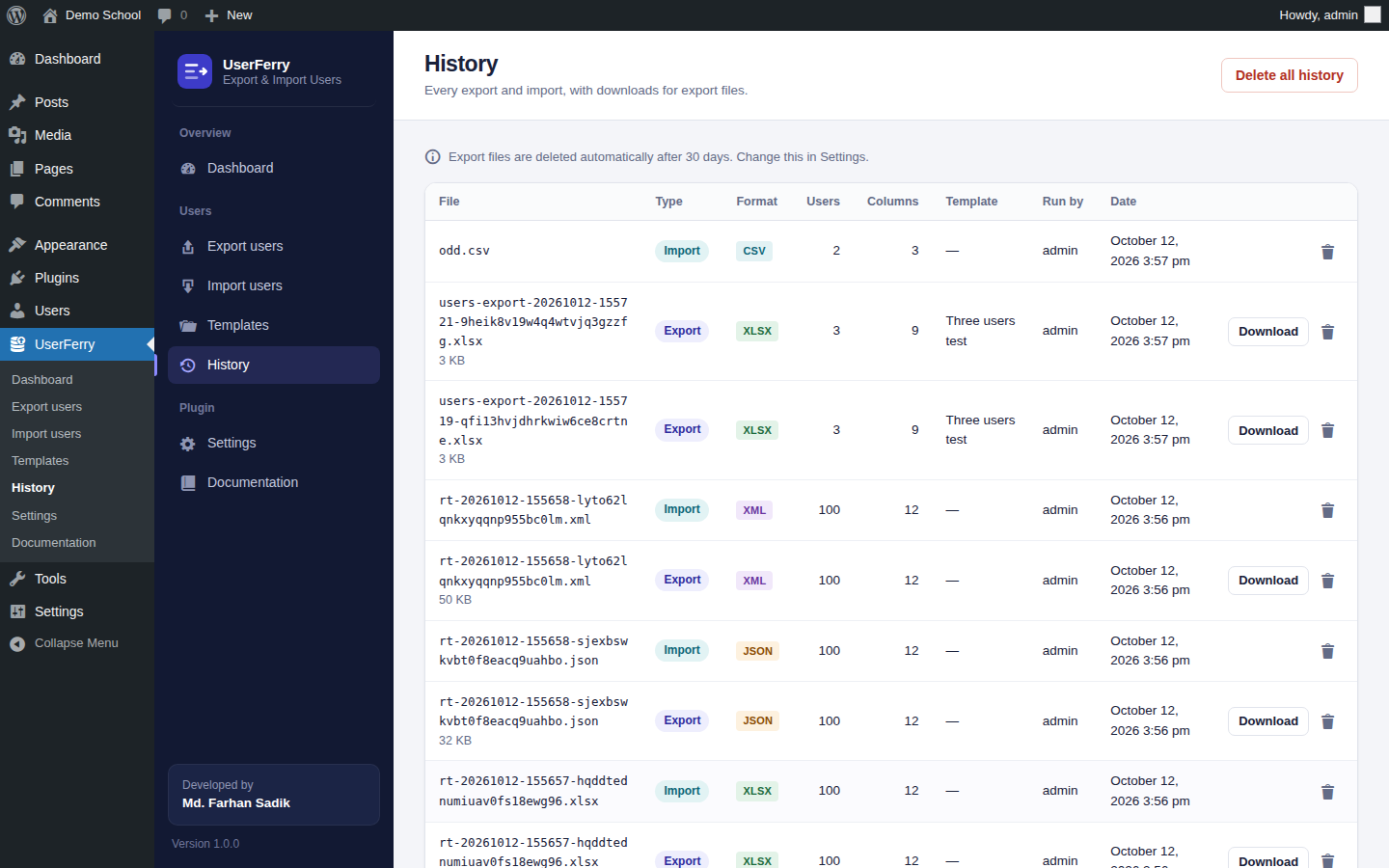
- History — every export and import is listed with who ran it; export files can be downloaded again.
- Automatic cleanup — old files are deleted after a number of days you choose.
- Protected files — exports are stored in a randomly named, protected folder (or outside the web root) and served only to authorised users through WordPress. A built-in check, also shown in Site Health, warns you if your server (for example Nginx) exposes the folder and gives the rule to fix it.
- No third-party requests by default — no Gravatar or other external resources are loaded. The only exception is the optional video guide, which loads from YouTube (privacy-enhanced mode) only after you press play.
- Formula protection — spreadsheet formula injection protection is on by default.
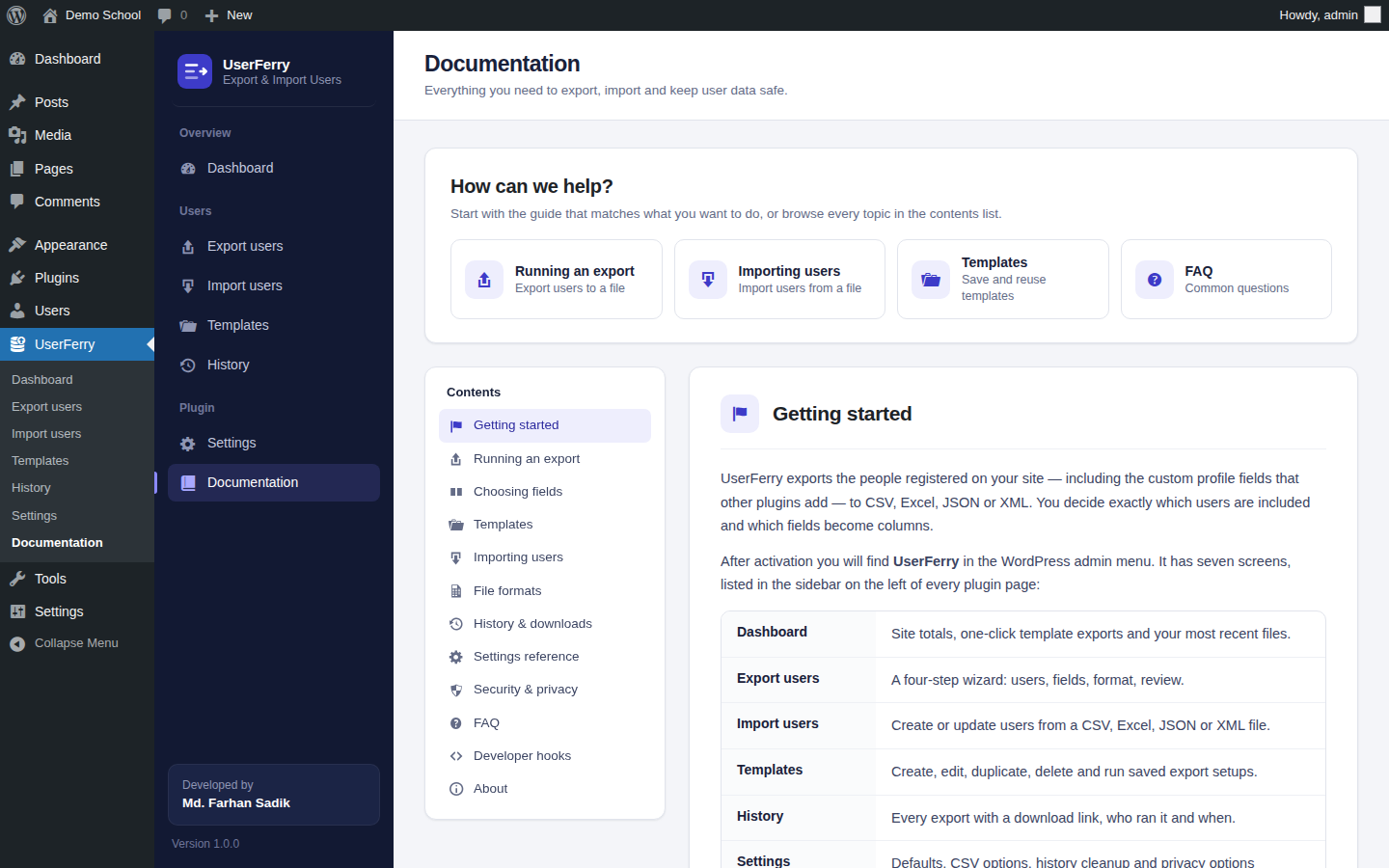
- Built-in documentation — a complete guide inside wp-admin.
- Video guide — a short walkthrough video at the top of the Documentation screen, loaded from YouTube only when you press play.
安装:
- Upload the
userferryfolder to/wp-content/plugins/, or install the plugin through the Plugins screen in WordPress. - Activate the plugin through the 'Plugins' menu in WordPress.
- Go to UserFerry > Export users to export, or UserFerry > Import users to import.
屏幕截图:
常见问题:
Can I export users' passwords?
No plugin can export readable passwords, because WordPress only stores a one-way hash. If you are moving users to another WordPress site, an administrator can enable "Allow exporting password hashes" in Settings; the hash keeps working on the new site when you import the file there.
Can I import a file I exported with this plugin?
Yes. Files exported by the plugin in any format are recognised and their columns are matched automatically on the Import users screen.
A custom field I need is not listed.
Custom fields are detected automatically. A meta key exists only after at least one user has a value for it — make sure one user has filled it in, then click "Scan custom fields". Keys that start with an underscore are listed in the "Hidden & plugin data" group.
Who can export and import users?
Exporting needs the list_users capability (administrators by default). Importing needs create_users and edit_users. Settings and deleting history require manage_options. Developers can change the export capability with the userferry_capability filter.
Where are export files stored?
In a folder inside wp-content/uploads/ whose name ends in a random 24-character code (for example userferry-exports-k3x9…), with file names that also contain a random 24-character code. Apache, LiteSpeed and IIS block the folder automatically. Nginx ignores those rules, so the plugin tests the folder with an anonymous request to your own site and shows the result under Settings > File storage security and in Tools > Site Health, together with the exact Nginx rule to add. The folder is only reported as protected when the server explicitly refuses access; redirects, errors and other uncertain answers are reported as "could not be verified".
For the strongest protection, store files outside the web root by adding this to wp-config.php: define( 'USERFERRY_EXPORT_DIR', '/path/outside/public_html/userferry' );
Does the plugin send data anywhere?
No. The plugin never contacts other websites and does not load Gravatar images (the user picker shows initials instead). The only HTTP request it makes is to your own site, to check that the export folder cannot be opened without logging in. The one exception is the video guide on the Documentation screen: it loads from YouTube (youtube-nocookie.com) only when you press its play button.
Are there limits on import files?
Yes, to protect your server's memory: up to 100,000 rows, 250 columns and 64 KB per cell; JSON files up to 20 MB (JSON is decoded in memory — use CSV for bigger files). Every part of an Excel file is size-checked before anything is read, so oversized or "zip bomb" files are rejected, and Excel text is only loaded within a safe share of your PHP memory limit. A file that breaks a limit is rejected with a clear message — data is never silently cut off. Developers can change the limits with the userferry_import_limits filter.
更新日志:
- Initial release.
- Export users to CSV, Excel (XLSX), JSON or XML — all users, by role, by registration date or hand-picked, with search and sort.
- Custom fields detected automatically, each listed once, with a "Scan custom fields" button and drag-and-drop column order.
- Import users from CSV, Excel, JSON or XML — including any file exported by the plugin — with automatic column matching, create/update/skip options and a per-row problem report.
- Export templates: create, edit, duplicate, delete and run with one click.
- Batched exports and imports with a progress bar for large sites.
- History of exports and imports with secure downloads and automatic cleanup.
- Full-width admin interface with a left sidebar menu and built-in documentation.
- Video guide on the Documentation screen (click to load).