WP Heading Buttons
详情介绍:
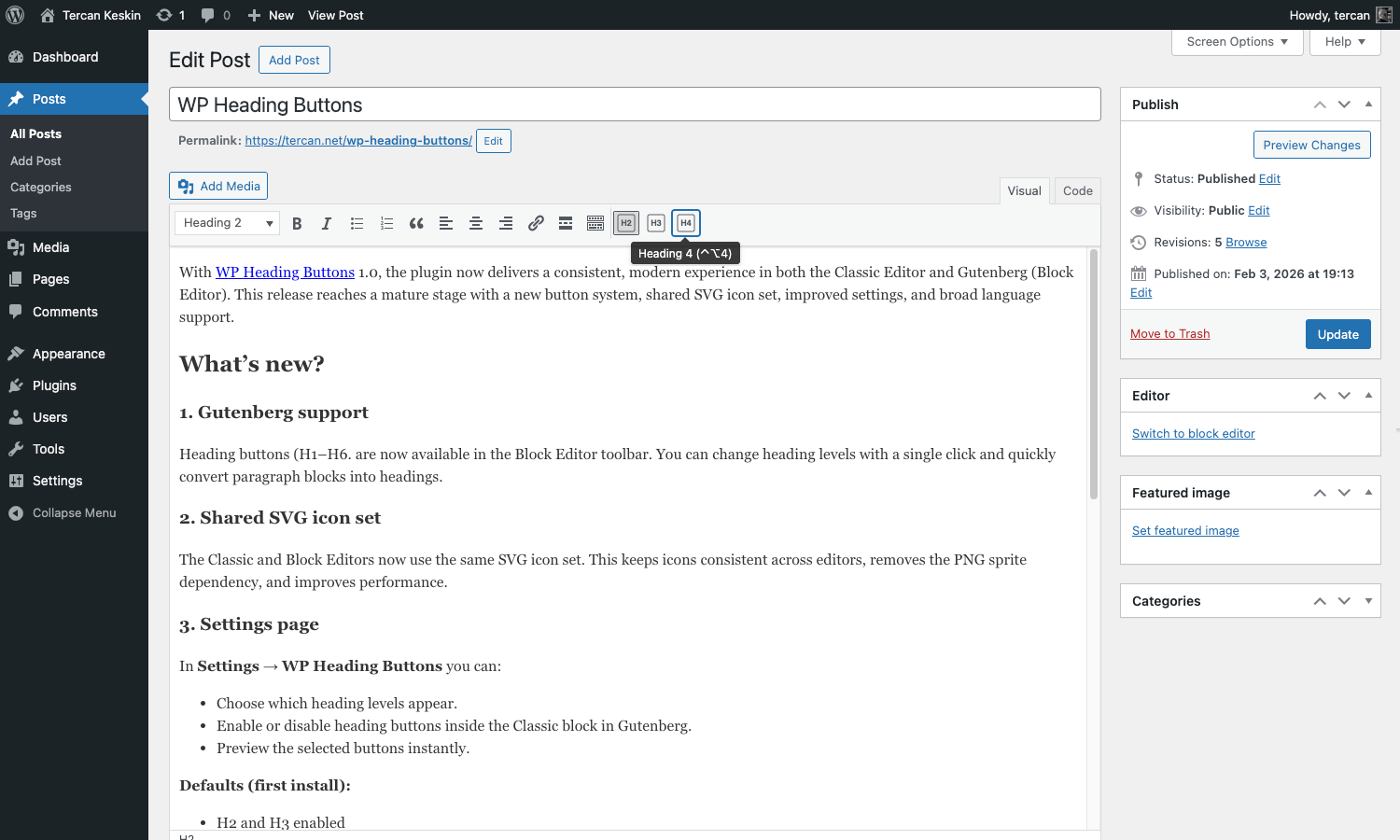
WP Heading Buttons adds quick heading buttons (H1-H6) to both Classic Editor (TinyMCE) and Block Editor toolbars.
Choose which levels appear, toggle Classic block support, and keep icons consistent with shared SVGs.
安装:
- Upload the
wp-heading-buttonsfolder to the/wp-content/plugins/directory - Activate the WP Heading Buttons plugin through the 'Plugins' menu in WordPress
屏幕截图:
更新日志:
1.0 (2026-02-03)
- Added Gutenberg editor toolbar with heading buttons.
- Added shared SVG icons for Classic and Block editors; removed PNG sprite.
- Added settings page for heading levels and Classic Block support (defaults: H2 + H3, enabled).
- Added active button state for Classic editor and container class hook.
- Added classic editor CSS hooks and modernized asset loading.
- Added translations (.po/.mo) and removed legacy TinyMCE language files.
- Added first-install admin notice linking to settings.
- Updated editor_plugin.js and language files for TinyMCE4 compatibility.
- Added Arabic, German, Italian and French language files.
- Checked WordPress 4.4 compatibility.
- Fixed the problem of self-deactivation.
- Removed buttons selection settings. All buttons is activate default.
- Added TinyMCE translation options.
- Initial release.