
Video Player for YouTube – Embed Videos Your Visitors Will Love to Watch
| 开发者 |
abuhayat
shehabulislam bplugins freemius noornabi2 shamim10 |
|---|---|
| 更新时间 | 2026年10月3日 17:04 |
| PHP版本: | 7.1 及以上 |
| WordPress版本: | 7.1 |
| 版权: | GPLv3 or later |
| 版权网址: | 版权信息 |
详情介绍:
YT Player | Pricing | Support | Demo
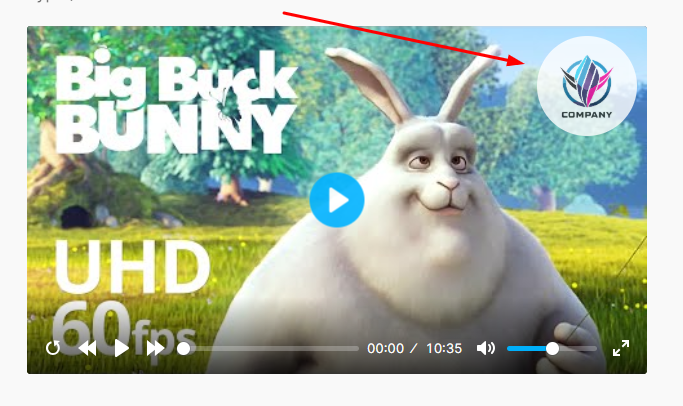
YT Player is a modern, lightweight, and fully customizable YouTube video player built for WordPress. Whether you're adding a single video or creating a video-rich experience across posts, pages, or widget areas, this plugin makes it easy to embed YouTube videos with a sleek, accessible interface powered by HTML5 and the Plyr framework.
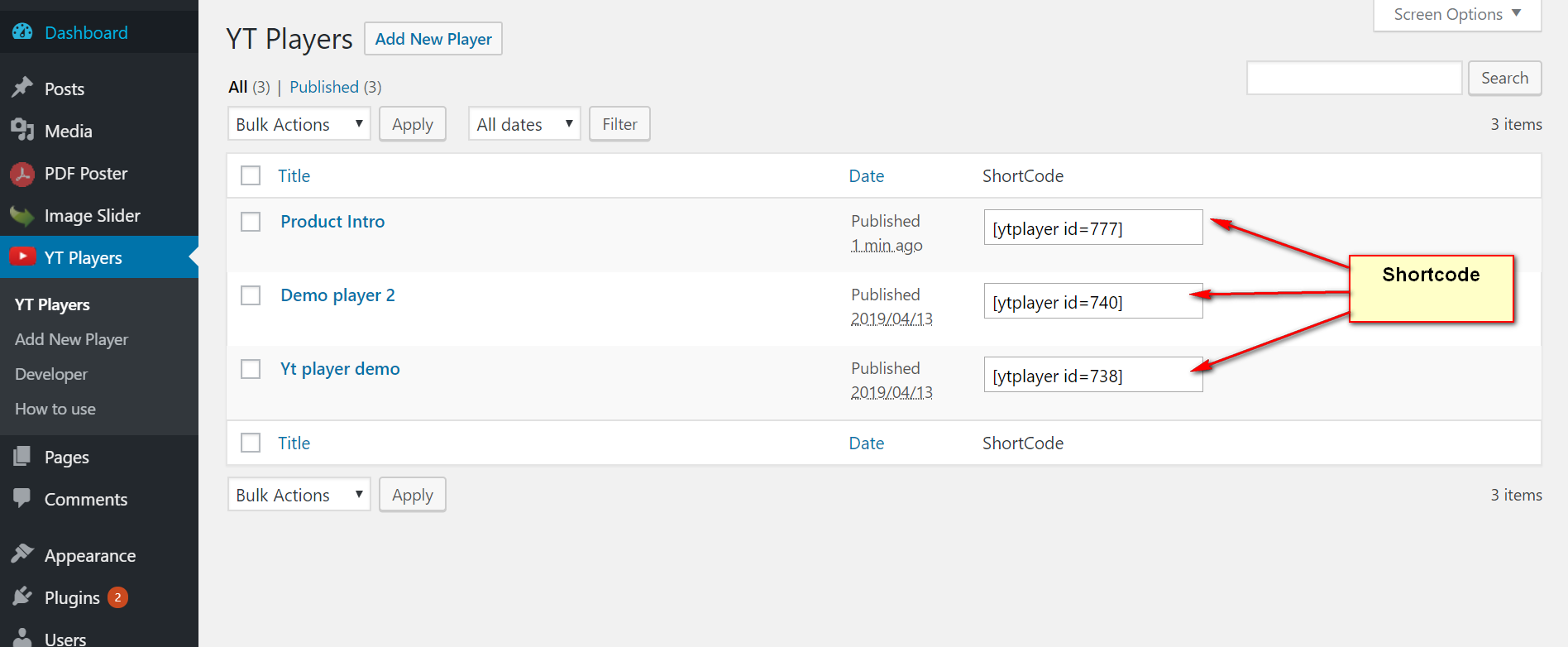
Use a simple shortcode to embed YouTube videos without needing iframe codes. Ideal for bloggers, marketers, educators, and anyone looking to add YouTube video to WordPress effortlessly.
屏幕截图:
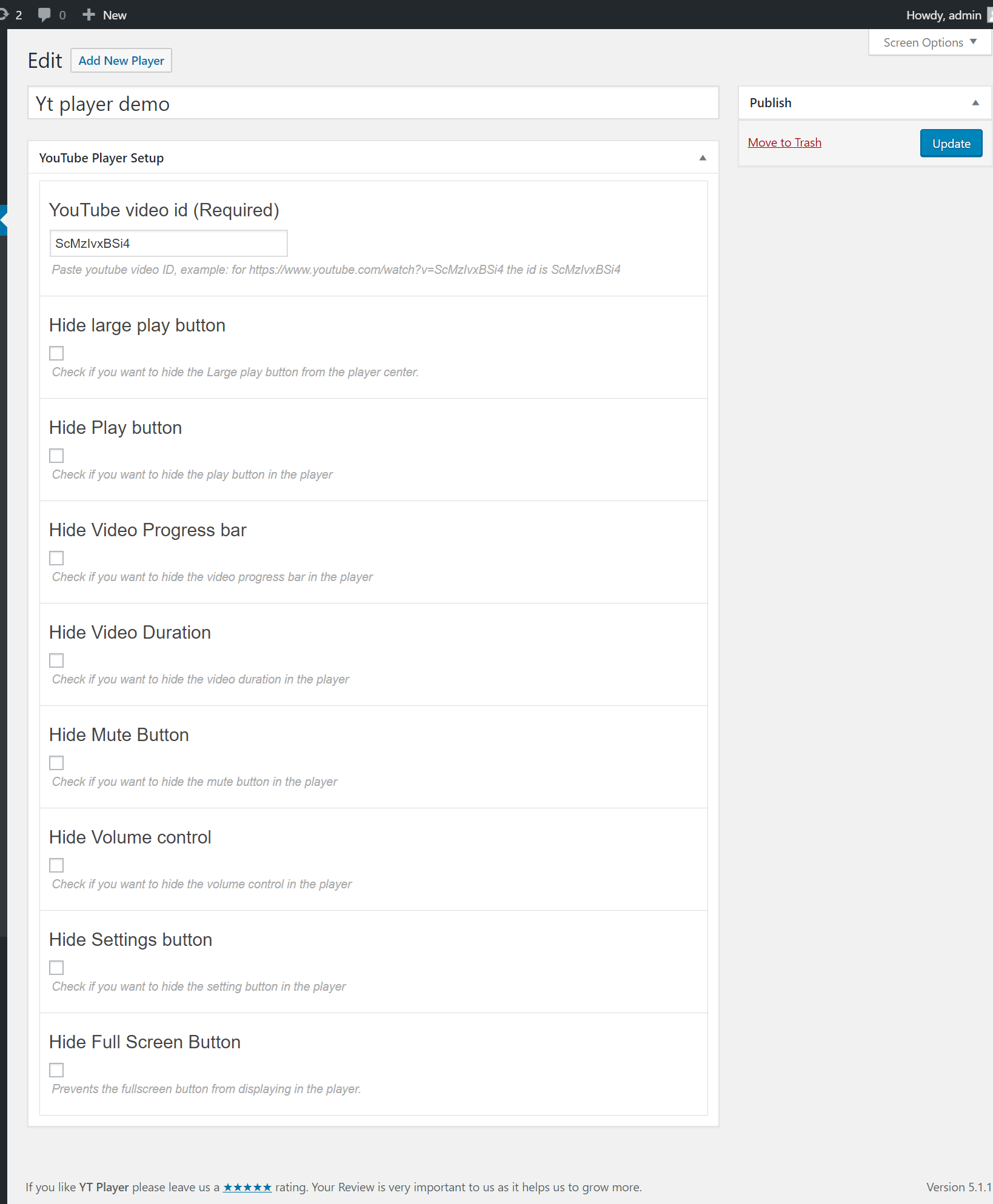

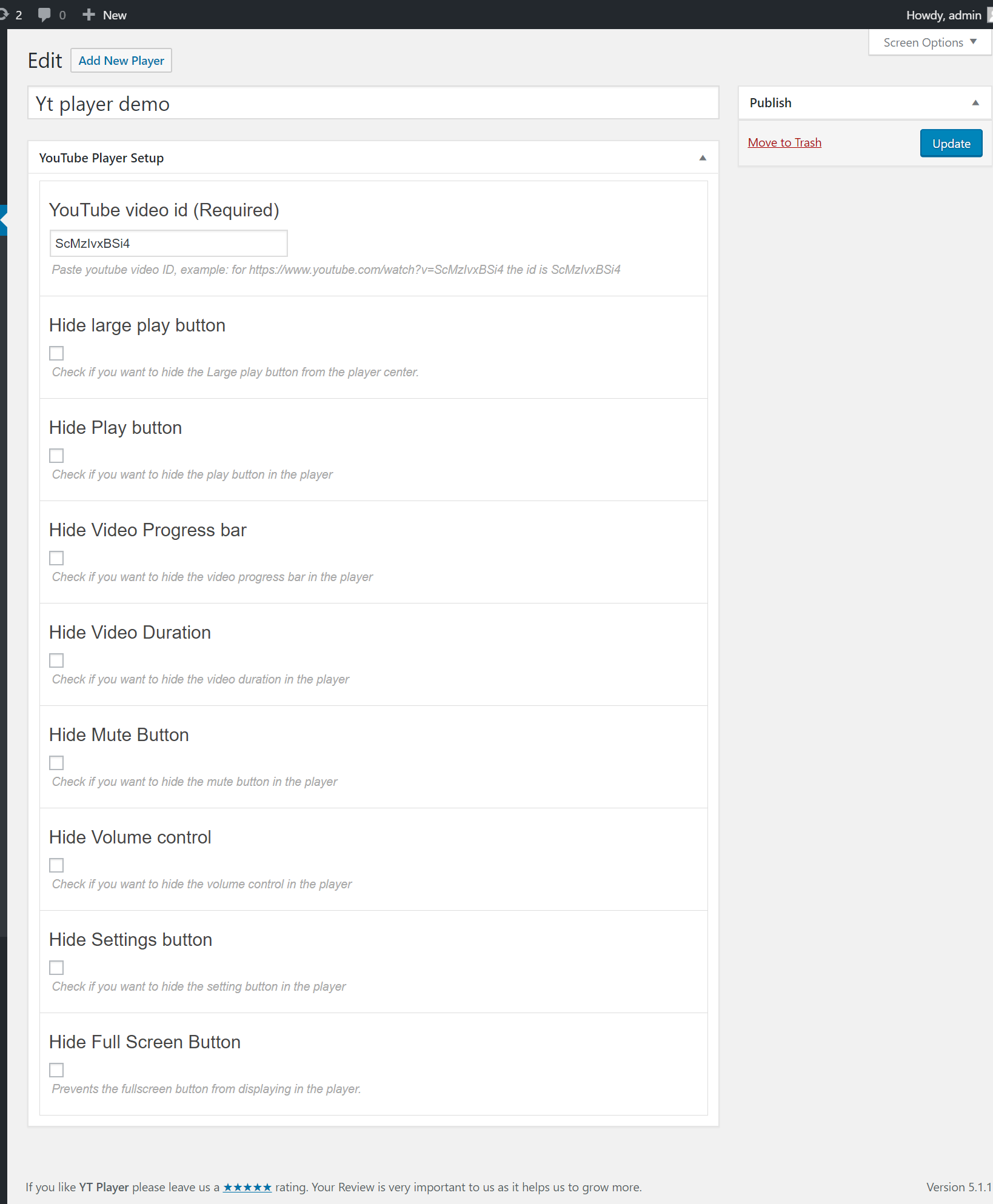
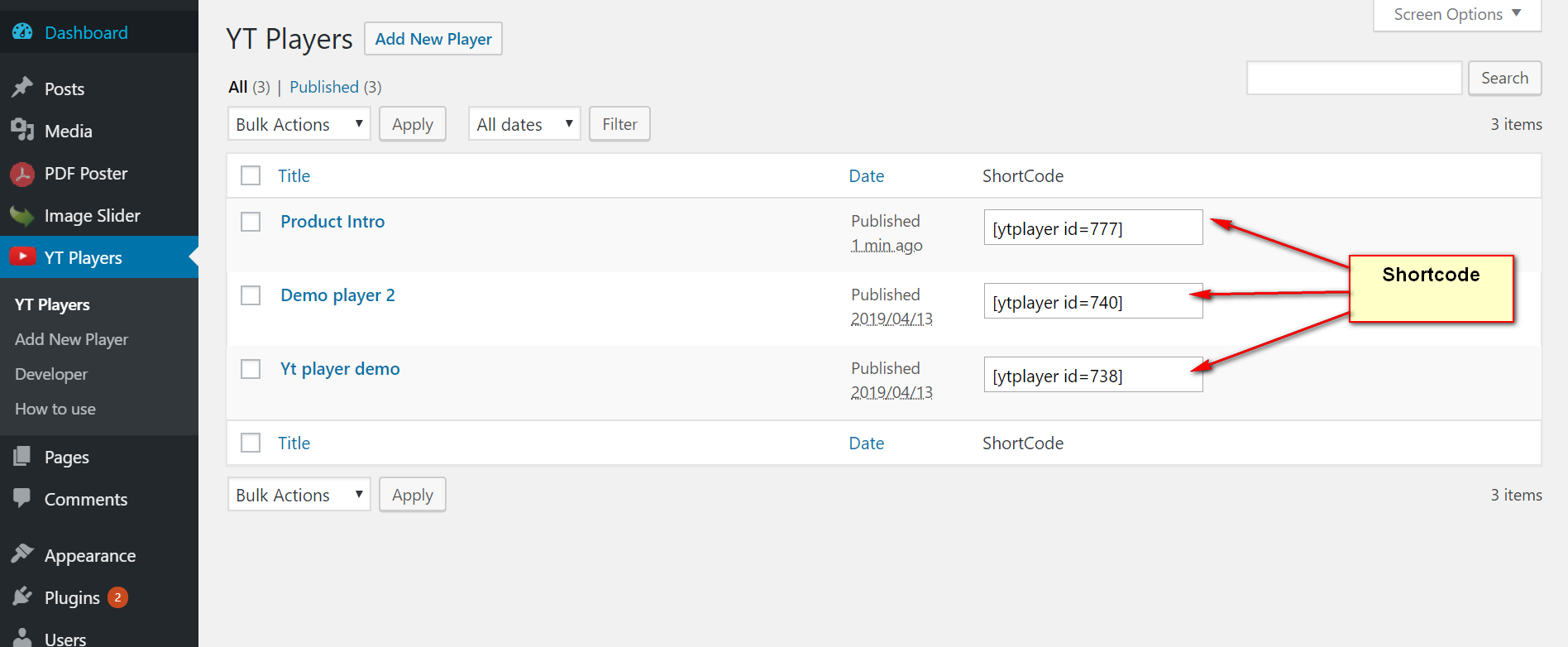
常见问题:
How do I install this plugin?
You can install as others regular wordpress plugin. No different way. Please see on installation tab.
What Video type can i play?
You can play any YouTube video.
How many player i can publish in my site?
You can publish unlimited video with YT player Plugin
Where do I report security bugs found in this plugin?
Please report security bugs found in the source code of the Video Player for YouTube plugin through the Patchstack Vulnerability Disclosure Program. The Patchstack team will assist you with verification, CVE assignment, and notify the developers of this plugin.
更新日志:
2.1.2 - 22 Sep, 2026
- Security: Added a missing capability check to the preset read endpoint so only administrators can retrieve saved preset configurations, matching the create/delete actions.
- Security: Hardened player data attributes, shortcode parameters, and AJAX endpoints against XSS with enhanced sanitization and escaping.
- Fix: Aligned Gutenberg Preset modal controls with Admin Settings — locked Pro controls (Restart, Rewind, Fast Forward, Play Large) in Free mode and displayed upgrade notices.
- Fix: Cleaned up default player control schema to exclude Pro controls by default on Free player instances.
- Fix: Resolved
hideYoutubeUIboolean evaluation ("false"/"0"string handling) to prevent accidental YouTube UI hiding and iframe cropping. - Fix: Enforced strict server-side and client-side Pro feature filtering across player preview, block editor, shortcode, and frontend rendering.
- Fix: Separated preset overlay background color priority from global admin brand color for accurate custom background rendering.
- Update: Enhanced dynamic license status checking to seamlessly unlock Pro controls upon activation without requiring page reloads.
- UI/UX: Reorganized Block Editor inspector sidebar panel titles with intuitive naming ("Basic Settings", "Player Controls", "Preset Controls").
- UI/UX: Standardized PRO badge styling and feature notice card layouts across settings panels and preset modals.
- Maintenance: Cleaned up default preset schemas and removed deprecated source files.
- Security: Hardened preset data handling and AJAX endpoint security.
- Security: Improved data sanitization and permission verification.
- Fix: Resolved quick shortcode [ytp] URL parsing and player style enqueuing.
- Fix: Improved clipboard copy compatibility across HTTP and HTTPS environments.
- Fix: Resolved block editor player controls rendering and SVG icon display.
- Update: Enhanced UI option consistency and Pro field controls.
- Update: Freemius SDK update.
- Fixed: Plugin dashboard activation issue.
- Added: WP Utils added.
- Fixed: Editor block selected issue.
- Fixed: Dashboard license activation issue fixed.
- Update: freemius sdk version updated.
- Fixed: dataset issue fixed.
- Update: Alert pro modal added.
- Update: Competible stablist version with wordpress.
- Update: Latest dashboard added.
- Vulnerability patch problem fixed
- freemius sdk version updated
- Video input field working both, ID or URL.
- Update: Update Freemius WordPress SDK
- Added a New Features
- Update: Yt Player Admin Bug Fixed
- Update: Dashboard preview tabbed description
- Update: Added upgrade button on dashboard
- More New Featured Added
- Update: Freemius Wordpress SDK
- Feature: Set Ratio
- Update: Freemius WordPress SDK
- Updated: Player library
- Added: 'Video Player for youtube' Block in free version
- Added 2 Gutenberg Block in Premium version (video, Timeline)
- Improved Code Quality
- Bug Fix - iOs:Full screen video cut
- Improved Performance.
- Added Quick ShortCode [ytp]YouTube Video URL[/ytp] for Post/page/widget/Guten Block.
- Fix Minor Bug
- Review request as Admin notice removed.
- Imporved performance
- Initial Release