Zontact – Lightweight Floating Contact Button
| 开发者 |
38zo
lewisushindi |
|---|---|
| 更新时间 | 2026年5月28日 01:10 |
| 捐献地址: | 去捐款 |
| PHP版本: | 7.4 及以上 |
| WordPress版本: | 7.0 |
| 版权: | GPLv3 or later |
| 版权网址: | 版权信息 |
详情介绍:
Zontact focuses on helping visitors contact you quickly and easily.
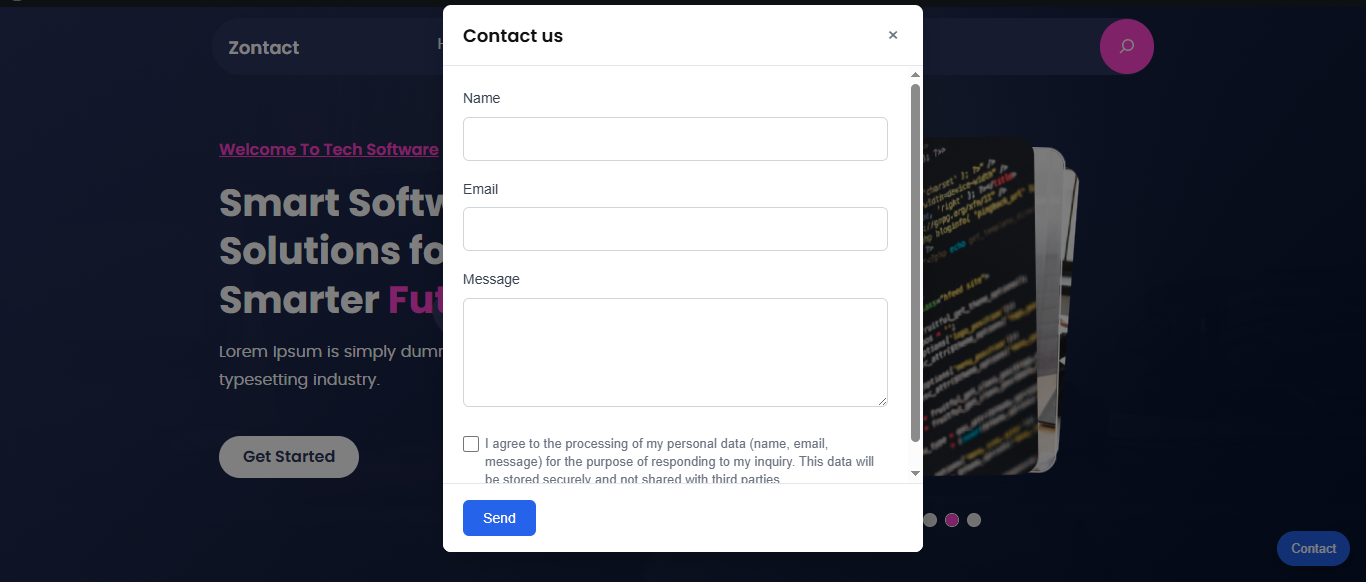
It adds a clean, floating customizable button to your WordPress site which opens an accessible modal contact form when clicked, allowing users to contact you without page reloads.
Built with performance, usability, and accessibility in mind, Zontact is ideal if you want a reliable contact solution without installing a heavy form builder.
What Zontact Does
- Adds a floating contact button to your site (optional)
- Opens a fast, accessible modal contact form
- Sends messages directly to your email
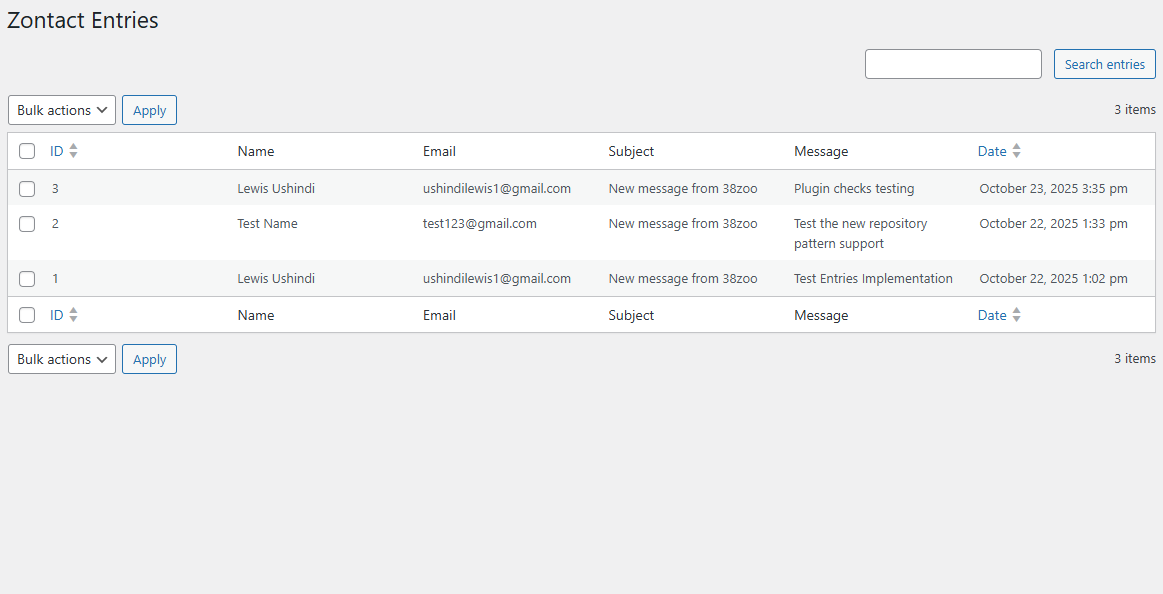
- Optionally stores messages in WordPress for later reference
- Small business owners who want an easy way for customers to reach them
- Freelancers building fast, reliable client websites
- Anyone who values simplicity, performance, and clean design
- Lightweight code with minimal assets
- No frontend bloat or external dependencies
- Fully accessible modal with keyboard and screen reader support
- Built using WordPress and WCAG accessibility best practices
- Install and activate Zontact
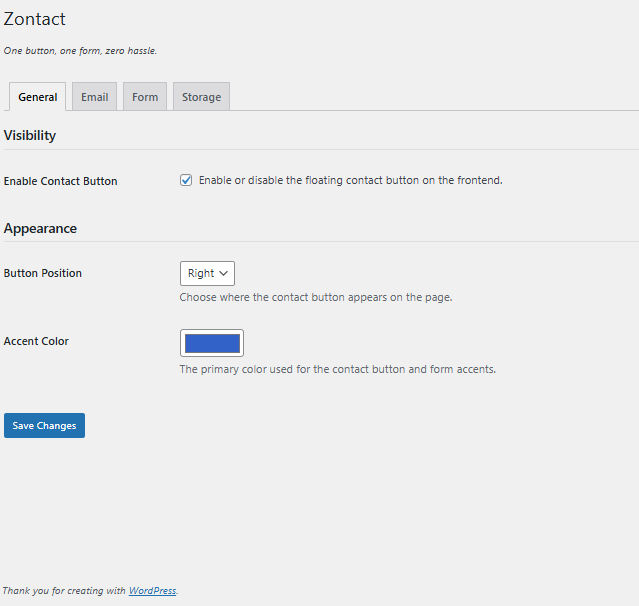
- Open Zontact → Settings to customize the button and form
- Enable or disable the floating contact button as needed
安装:
- Upload the plugin to the
/wp-content/plugins/zontactdirectory, or install it directly from the WordPress plugin directory. - Activate the plugin through the Plugins screen.
- Go to Zontact → Settings to configure your contact button.
- Enable or disable the floating button and adjust settings as needed.
屏幕截图:
常见问题:
Does Zontact slow down my site?
No. Zontact is lightweight and loads only what it needs. There are no external scripts or unnecessary assets.
Is the contact form accessible?
Yes. Zontact follows WCAG and WordPress accessibility best practices, including keyboard navigation and screen reader support.
Does it work with any theme?
Yes. The floating button and modal are independent of your theme’s layout and work with virtually all WordPress themes.
Will you add more features?
Yes, but only where they make sense. New features are added thoughtfully to improve usability and flexibility, without introducing feature bloat or hurting performance.
更新日志:
1.1.1
- Refactored codebase for improved structure and maintainability
- Added button customization options
- Fixed button visibility issue
- Improved settings UI with tabbed layout
- Added button visibility toggle
- General UI refinements and cleanup
- Initial release
- Floating contact button with modal
- Email notifications
- Optional message storage
- Full accessibility support
- Translation ready