
BBA Custom Types
| 开发者 | amitworx |
|---|---|
| 更新时间 | 2026年8月18日 06:55 |
| PHP版本: | 8.0 及以上 |
| WordPress版本: | 7.1 |
| 版权: | GPLv2 or later |
| 版权网址: | 版权信息 |
详情介绍:
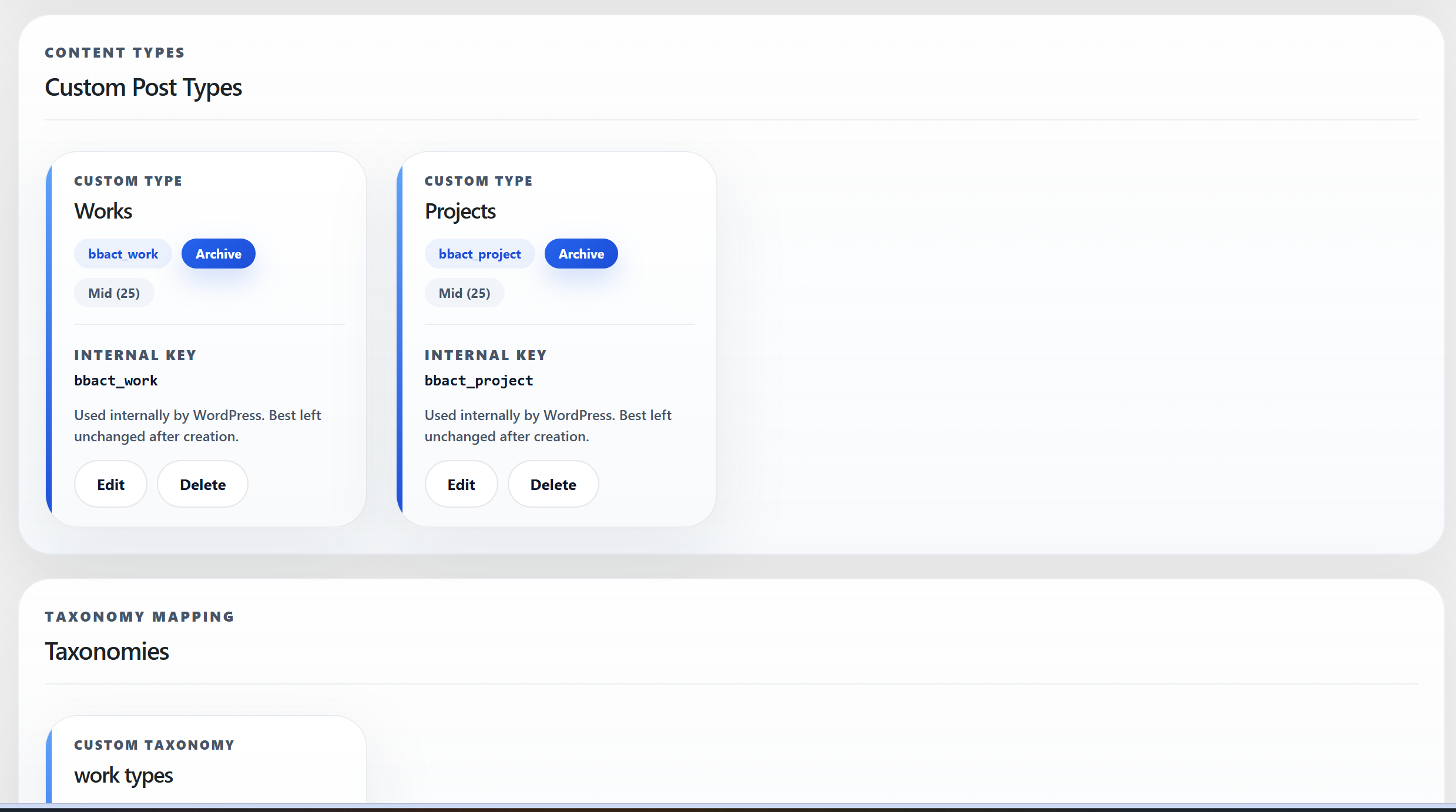
- Create and manage custom post types from one dashboard.
- Create taxonomies and attach them to one or more custom post types.
- Set singular and plural labels, public URL slugs, and frontend rewrite bases.
- Choose whether a post type is public, has an archive, or is available in the block editor and REST API.
- Choose supported post features, including title, editor, excerpt, featured image, author, comments, revisions, custom fields, and page attributes.
- Configure taxonomy visibility, hierarchy, REST API support, and attached post types.
- Receive inline validation for duplicate or invalid slugs and internal keys before settings are saved.
- Update the taxonomy attachment choices immediately after creating a post type, without refreshing the page.
bbact_project identifies a post type in the database. Treat that key as permanent after content has been created. The public URL can be adjusted independently with the Frontend URL base field.
The plugin does not send data to external services and does not require an account.
安装:
- In WordPress admin, go to Plugins > Add New > Upload Plugin.
- Upload the BBA Custom Types ZIP file and activate it.
- Open BBA Custom Types from the WordPress admin menu.
- Create a custom post type or taxonomy using the steps below.
屏幕截图:
常见问题:
Does BBA Custom Types create both post types and taxonomies?
Yes. You can manage both from the same dashboard and connect a taxonomy to one or more custom post types.
What is the difference between URL slug, Frontend URL base, and Internal key?
The URL slug is used when first creating a type and helps generate its internal key. The Frontend URL base controls the public permalink path. The Internal key is the WordPress identifier, for example bbact_project; it should remain unchanged after you create content.
Why did my posts disappear after changing the URL slug?
Changing the URL slug can generate a new internal key. WordPress then treats it as a new post type, so posts associated with the old key are no longer shown in the new menu. Restore the original internal key to access that content again. To change only public URLs, use Frontend URL base instead.
Can I edit the generated key?
The key is generated on first save so you can verify the intended slug before creation. Keep it stable after content exists, because WordPress uses it to associate posts, taxonomies, and metadata.
Why is my new frontend URL not working yet?
Save your permalink settings at Settings > Permalinks after changing a Frontend URL base. This refreshes WordPress rewrite rules.
Does the plugin support the block editor and REST API?
Yes. Enable Show in REST for a custom post type or taxonomy to make it available to the block editor and REST API.
Does the plugin include a custom field builder?
Not yet. The plugin is designed to grow toward custom-field management, but version 1.0.0 focuses on custom post types and taxonomies.
Does it delete my content when I deactivate the plugin?
No. Deactivation does not delete posts, terms, or saved definitions. The registered types are inactive until the plugin is reactivated, so their content may not be accessible in the usual WordPress menus while it is inactive.
Does the plugin use an external API or transmit site data?
No. BBA Custom Types works entirely within your WordPress installation and does not require an account or third-party service.
更新日志:
- Added the project website link to the plugin header.
- Initial public release.
- Create and manage custom post types and taxonomies from a modern WordPress admin UI.
- Added real-time validation, editable first-save slug workflow, modal editing, and live taxonomy attachment updates.