CDN Error Mockups
| 开发者 |
hiroshisato
pixelium |
|---|---|
| 更新时间 | 2026年7月26日 11:34 |
| 捐献地址: | 去捐款 |
| PHP版本: | 8.0 及以上 |
| WordPress版本: | 6.9 |
| 版权: | GPLv2 or later |
| 版权网址: | 版权信息 |
详情介绍:
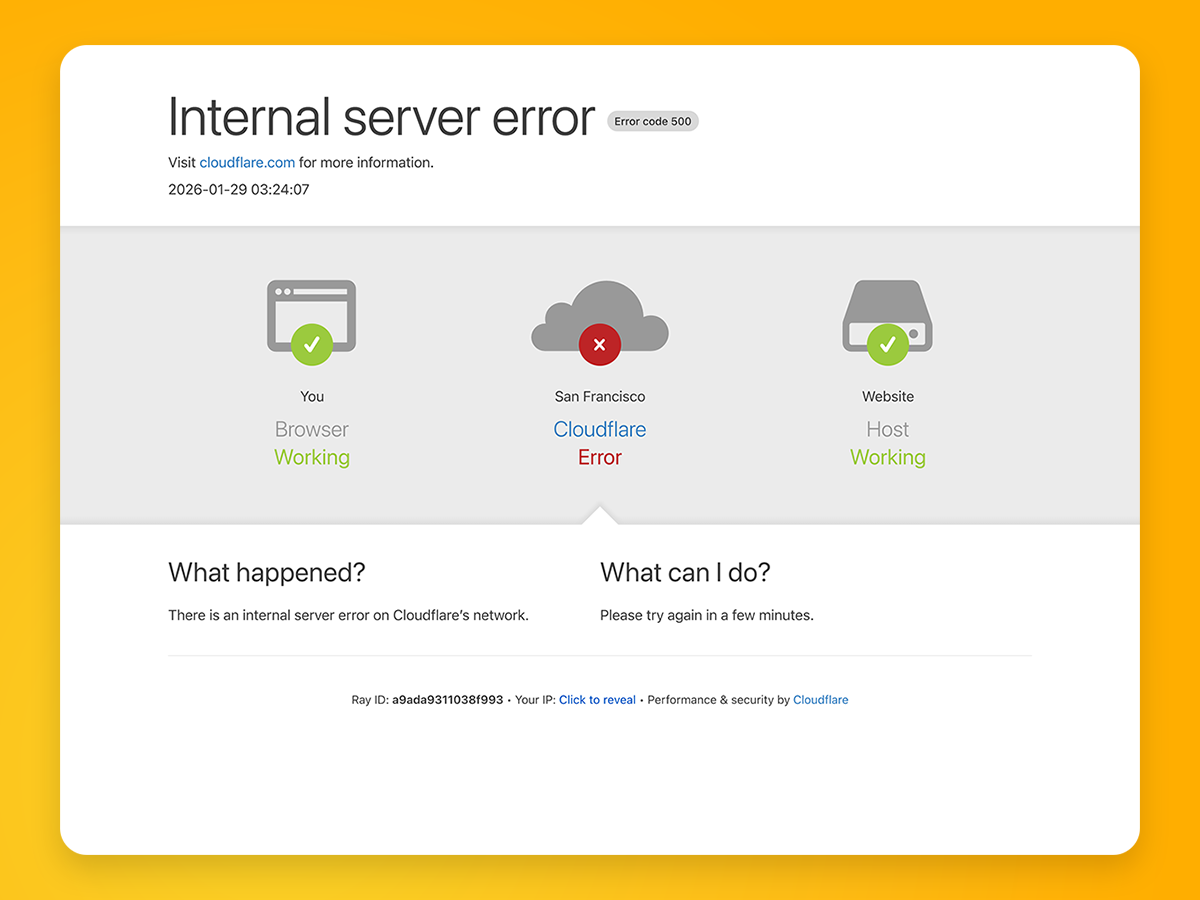
CDN Error Mockups provides a block for creating realistic Cloudflare-style
error screens.
Use it in error page templates, maintenance pages, design previews, and
lighthearted site experiences.
The block is independently developed and is not affiliated with, endorsed by,
or connected to Cloudflare, Inc.
Features
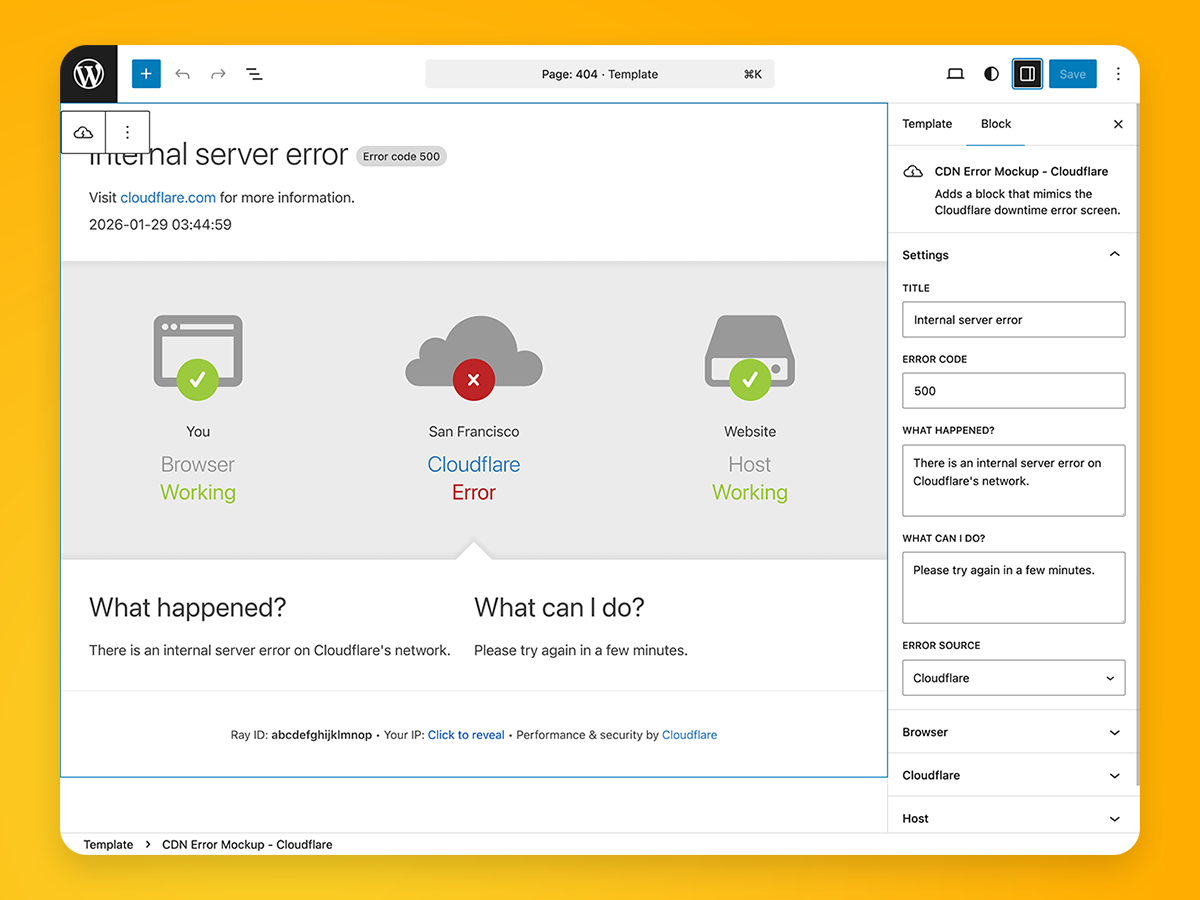
- Customize the error title, HTTP error code, and explanatory messages.
- Configure Browser, Cloudflare, and Host labels and statuses independently.
- Choose which service is presented as the source of the error.
- Reveal the visitor's IP address without calling an external service.
- Generate a new mock Ray ID and timestamp when the page loads.
- Preserve keyboard focus and announce the revealed IP to assistive technology.
- Adapt the three service statuses for desktop and narrow screens.
- Keep the block's CSS isolated from the surrounding WordPress theme.
安装:
Install from WordPress
- Open Plugins > Add New Plugin in WordPress.
- Search for CDN Error Mockups.
- Select Install Now, and then activate the plugin.
- Download
cdn-error-mockups.zipfrom the latest GitHub release. - Open Plugins > Add New Plugin > Upload Plugin.
- Select the ZIP file and choose Install Now.
- Activate the plugin.
屏幕截图:
常见问题:
Is this an official Cloudflare plugin?
No. This is an independent project for educational and entertainment purposes. It is not affiliated with, endorsed by, or connected to Cloudflare, Inc.
Can every part of the mock error be customized?
The title, error code, explanatory messages, error source, and the labels and statuses for Browser, Cloudflare, and Host can be configured in the block settings sidebar.
Does the plugin send visitor data to an external service?
No. The optional IP reveal feature uses a same-site WordPress REST API request and server request headers.
Can the block be used more than once?
Yes. It can be added to multiple posts, pages, and templates.
What versions are required?
The plugin requires WordPress 6.9 or newer and PHP 8.0 or newer.
更新日志:
1.2.0
- Isolate block styles from the active theme.
- Improve keyboard focus and the accessible IP reveal interaction.
- Generate Ray IDs without depending on translated labels.
- Add WordPress Coding Standards checks through Composer.
- Add a reproducible WordPress Playground 404-template demo Blueprint.
- Add contextual translations for "Error code" in the inspector and mockup.
- Add configurable Browser, Cloudflare, and Host statuses.
- Add the same-site IP address reveal feature.
- Initial release.